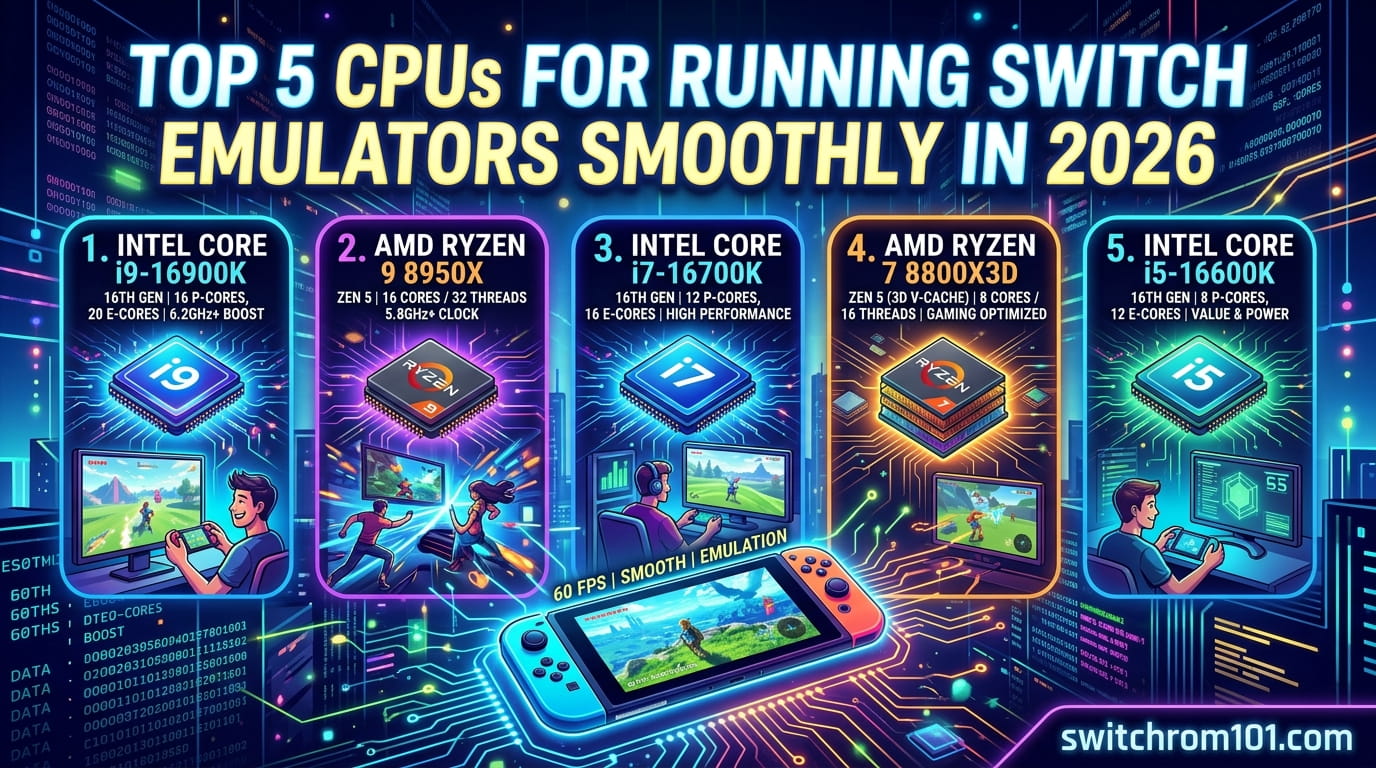
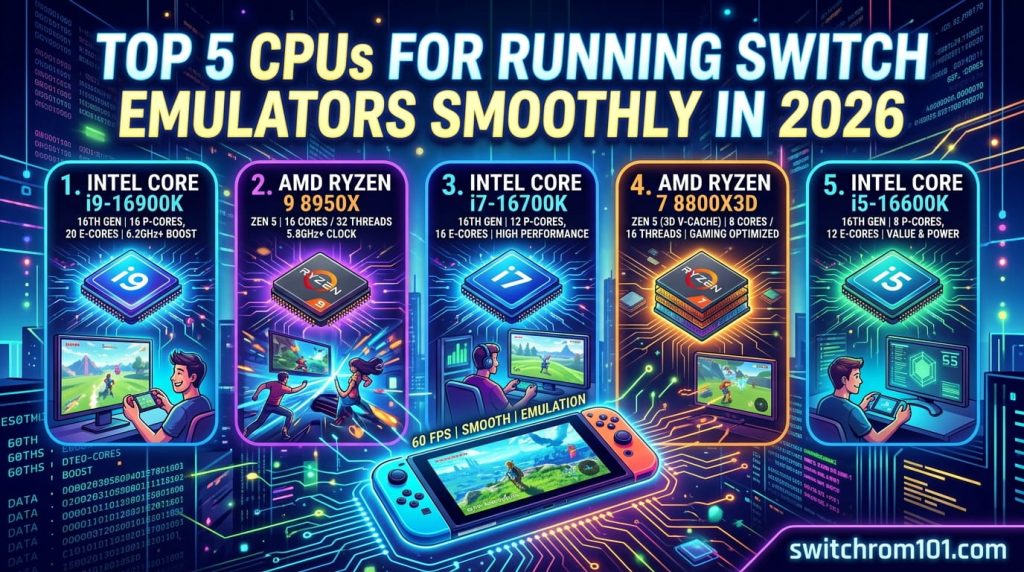
🔝 Top 5 CPUs for Running Switch Emulators Smoothly in 2026 🏆
Emulating Nintendo Switch games on a PC requires more than just a good GPU—the CPU (Central Processing Unit) also plays a crucial role in emulator performance. With Switch emulators like Yuzu and Ryujinx, a powerful CPU ensures smooth gameplay, low latency, and high frame rates. In this article, we’ll highlight the top 5 CPUs for running Switch emulators smoothly in 2026, considering single-core performance, multi-core capabilities, and overall gaming optimization.
What Makes a CPU Good for Switch Emulation?
When it comes to Switch emulation, the CPU is crucial because:
- Switch games are often CPU-intensive, requiring strong single-core performance for emulation.
- The multi-core performance is also important as emulators like Yuzu are able to take advantage of multiple cores for enhanced overall performance.
Look for CPUs with:
- High Clock Speeds (GHz) for single-threaded performance.
- Multiple Cores (6 or more) to improve multi-threaded workloads.
- Support for Latest Technology like PCIe 4.0 or DDR5 RAM to ensure optimal system performance.
👑Top 5 CPUs for Switch Emulators Smoothly in 2026
1. Intel Core i9-13900K
The Intel Core i9-13900K is the best CPU for running Switch emulators in 2026, thanks to its outstanding performance and powerful architecture.
- Key Features:
- 24 cores (8 performance cores, 16 efficiency cores).
- Base Clock Speed: 3.0 GHz (can boost up to 5.8 GHz).
- 32MB Intel Smart Cache.
- Supports PCIe 5.0 and DDR5.
- Pros:
- Incredible single-core performance for emulation.
- Multi-core efficiency makes it perfect for handling demanding titles.
- Great for 4K emulation and multitasking.
- Cons:
- Expensive, targeted toward high-end gaming builds.
- Requires a strong cooling solution due to high performance.
2. AMD Ryzen 9 7950X
The AMD Ryzen 9 7950X offers excellent performance for emulators, especially for those who want to play Switch games at high frame rates and 4K.
- Key Features:
- 16 cores, 32 threads.
- Base Clock Speed: 4.5 GHz (boosts up to 5.7 GHz).
- 64MB cache.
- Supports PCIe 5.0 and DDR5 RAM.
- Pros:
- Fantastic multi-threaded performance for demanding games and emulation.
- Energy-efficient architecture compared to previous AMD processors.
- Excellent for high-performance setups and multitasking.
- Cons:
- High price, aimed at enthusiasts and professionals.
- Requires premium cooling solutions.
3. Intel Core i7-13700K
The Intel Core i7-13700K strikes a great balance between performance and price, making it an excellent choice for mid-to-high-end systems that need to run Switch emulators efficiently.
- Key Features:
- 16 cores (8 performance cores, 8 efficiency cores).
- Base Clock Speed: 3.4 GHz (boosts up to 5.4 GHz).
- 30MB Intel Smart Cache.
- Supports PCIe 5.0 and DDR5.
- Pros:
- Excellent single-core performance for Switch emulation.
- Great for 1080p and 1440p gaming and smooth gameplay on emulators.
- More affordable than the i9 series while still offering top-tier performance.
- Cons:
- Not as fast as the i9-13900K for demanding games at 4K.
- Requires good cooling due to high performance.
4. AMD Ryzen 7 7800X3D
The AMD Ryzen 7 7800X3D stands out for its 3D V-Cache technology, which significantly improves gaming performance, making it one of the best choices for Switch emulation.
- Key Features:
- 8 cores, 16 threads.
- Base Clock Speed: 4.2 GHz (boosts up to 5.0 GHz).
- 96MB of 3D V-Cache.
- Supports PCIe 4.0 and DDR5 RAM.
- Pros:
- Exceptional single-core performance with 3D V-Cache, perfect for emulators.
- Increased game performance, particularly in CPU-bound games like Switch emulation.
- Great for budget-conscious enthusiasts who want high performance.
- Cons:
- 8 cores may not be enough for extreme multitasking compared to higher-end CPUs.
- Limited availability due to demand.
5. Intel Core i5-13600K
For budget-conscious gamers, the Intel Core i5-13600K offers great performance for Switch emulation without breaking the bank.
- Key Features:
- 14 cores (6 performance cores, 8 efficiency cores).
- Base Clock Speed: 3.5 GHz (boosts up to 5.1 GHz).
- 24MB cache.
- Supports PCIe 5.0 and DDR5.
- Pros:
- Solid single-core performance for smooth gameplay.
- Excellent for 1080p and 1440p gaming.
- Affordable for gamers on a budget.
- Cons:
- Not as powerful as i7 or i9 options for high-end gaming or 4K emulation.
- Requires adequate cooling.
XCI vs NSP ROMs: Which is Better for Nintendo Switch Emulation?
How to Choose the Best CPU for Switch Emulation
When selecting a CPU for Switch emulation, consider these factors:
- Budget: Higher-end CPUs like the Intel i9-13900K and AMD Ryzen 9 7950X provide the best performance but come at a premium price. If you’re on a budget, the Intel i5-13600K or AMD Ryzen 7 7800X3D offers solid performance at a lower cost.
- Single-Core Performance: For Switch emulation, single-core performance is crucial. CPUs with high clock speeds and boost frequencies will ensure better performance in games that are more CPU-bound.
- Multi-Core Performance: If you’re planning to run other applications in the background while emulating or want to future-proof your setup, consider a CPU with 8+ cores for better multi-threaded performance.
Best CPU for Switch Emulation in 2026
The best CPU for Switch emulation in 2026 depends on your gaming needs and budget. For the ultimate performance, the Intel Core i9-13900K and AMD Ryzen 9 7950X provide top-tier gaming performance at 4K and 60 FPS. However, if you’re looking for great value and excellent performance, the Intel Core i7-13700K and AMD Ryzen 7 7800X3D offer the perfect balance. For budget-conscious users, the Intel Core i5-13600K is a fantastic option that still delivers solid performance for Switch emulation.
FAQ
1. Can I run Switch emulation with a budget CPU?
Yes, budget CPUs like the Intel Core i5-13600K can run Switch emulation at lower resolutions (1080p or 1440p) with good performance. However, high-end games might experience frame drops.
2. Does Ryzen perform better than Intel for Switch emulation?
Both Intel and AMD Ryzen offer excellent performance for Switch emulation. Intel CPUs tend to have better single-core performance, while Ryzen CPUs are great for multi-core tasks. Choose based on your specific needs.
3. Is 6-core CPU enough for Switch emulation?
While a 6-core CPU like the Intel i5-13600K can handle Switch emulation, CPUs with more cores (8 or more) are better for high-demand games and future-proofing.
Ryujinx vs Yuzu: Which Emulator Is Best for Nintendo Switch Games?

(GameOverlord) has been involved in Nintendo Switch emulation
since 2019. She owns two Nintendo Switch consoles and a Steam Deck OLED,
and has hands-on tested over 40 Switch titles across Ryujinx and
Sudachi emulators. Her background is in consumer electronics and
she has followed emulation law developments in the US, UK, and EU
since the Yuzu shutdown in 2024. SwitchROM101 was built to fill the
gap left by misleading ROM sites — giving gamers accurate, legal,
and technically correct information without hosting any game files.