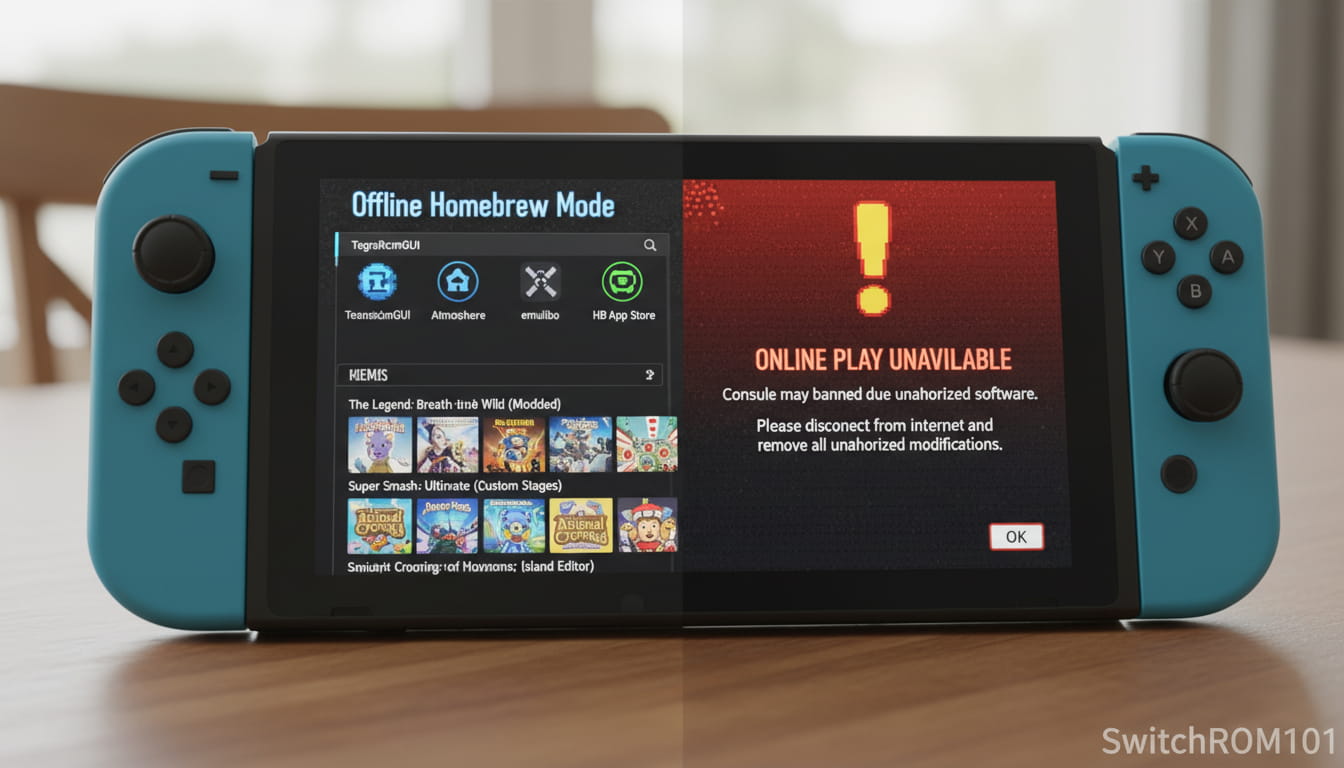
How to Avoid Getting Banned on a Homebrew Switch (What Actually Works in 2026)
If you’re thinking about homebrewing your Nintendo Switch, there’s one fear that stops almost everyone:
“Will my Switch get banned?”
The short truth? Yes, bans are possible — but they’re not random.
From real-world user experience, bans usually happen because of avoidable mistakes, not because homebrew itself exists.
This guide explains how to avoid banning on a homebrew Switch, what actually triggers bans, and which precautions genuinely reduce risk — without myths, scare tactics, or false guarantees.
How to Avoid Getting Banned on a Homebrew Switch
Avoiding a ban on a homebrew Switch is about separating risky behavior from safe usage.
Nintendo primarily flags online activity, not offline experimentation.
While no method is 100% guaranteed, following proven best practices dramatically lowers your risk.
How Nintendo Detects Homebrew Activity
Understanding detection is the first step to prevention.
Online Telemetry Is the Main Trigger
From practical observation, Nintendo bans are usually triggered when:
- Modified systems connect to Nintendo servers
- System logs show unauthorized activity
- Games or services behave outside normal parameters
Offline usage alone does not automatically trigger bans.
What Nintendo Does NOT Care About (Directly)
Nintendo does not ban consoles simply for:
- Having homebrew files on an SD card
- Running custom firmware offline
- Using homebrew apps without server interaction
The problem begins when online services are involved.
The Golden Rule to Avoid Switch Bans
Never Mix Homebrew With Online Services
This is the single most important rule.
From real-world experience:
- Online play + homebrew = high risk
- Offline homebrew = low risk
If your Switch never communicates suspicious data online, detection becomes far less likely.
Use emuMMC (Offline) — Your Best Protection
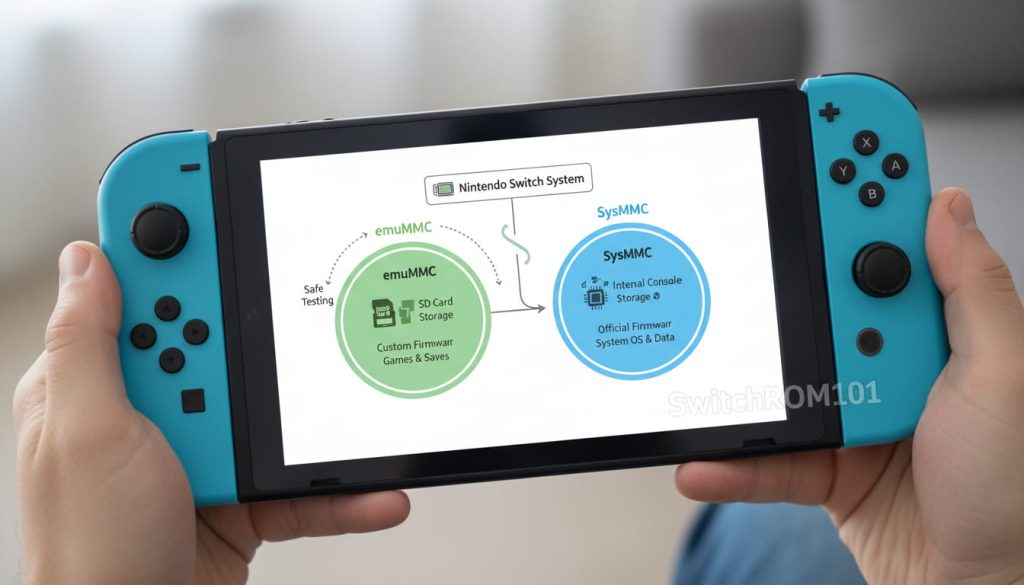
What Is emuMMC and Why It Matters
emuMMC (also called emuNAND):
- Creates a separate copy of your system
- Keeps homebrew activity isolated
- Protects your clean system environment
Experts widely agree this is the most effective safety measure.
Best Practice Setup
Recommended configuration:
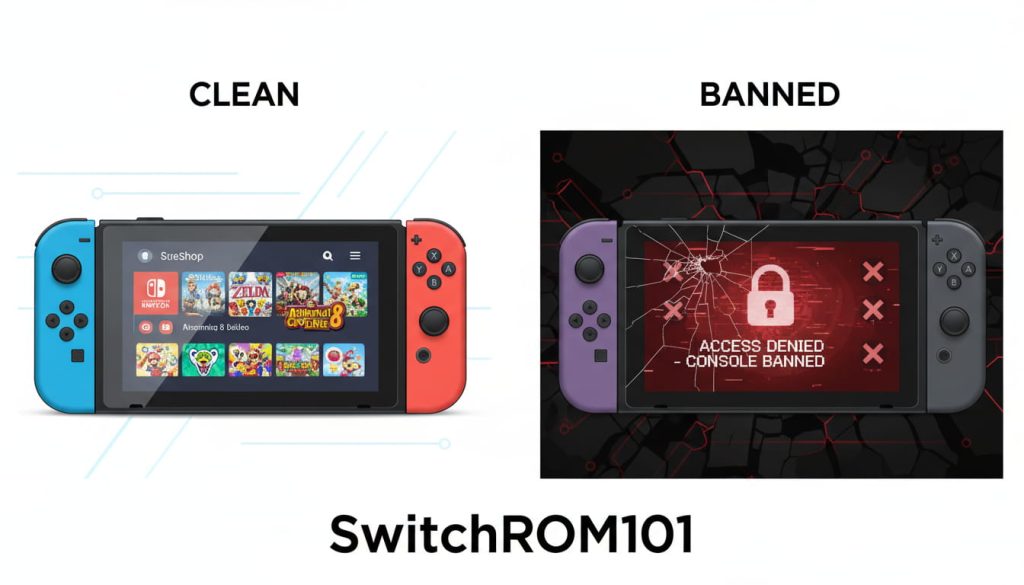
- SysMMC (clean) → Official firmware, online use
- emuMMC (dirty) → Homebrew, always offline
Never cross these environments.
Disable Internet Access on Homebrew Setup
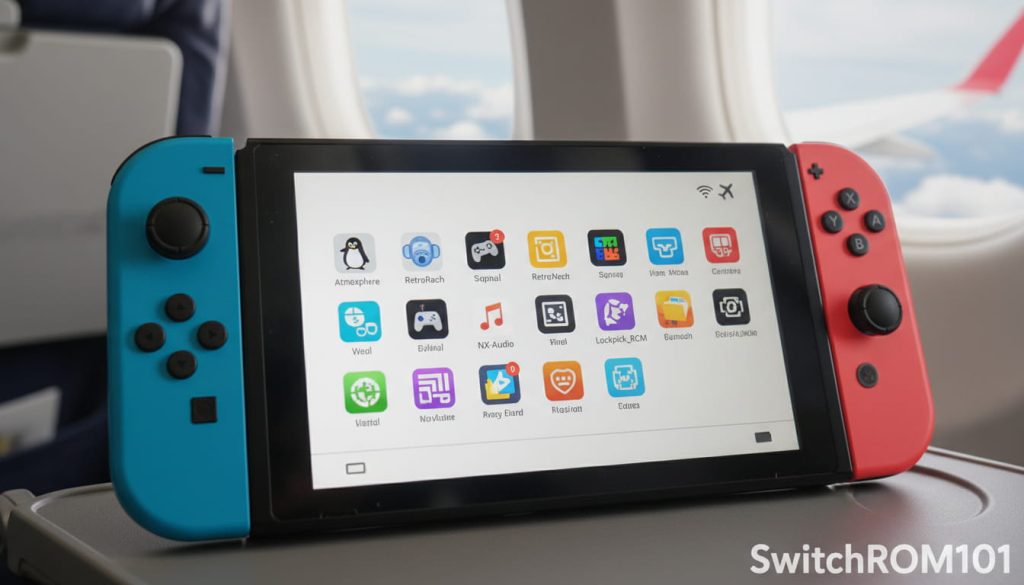
Use Airplane Mode Permanently
Many users report success by:
- Enabling Airplane Mode on emuMMC
- Blocking Wi-Fi networks
- Removing saved connections entirely
If your homebrew environment can’t connect, it can’t report telemetry.
DNS Blocking (Optional Layer)
Advanced users sometimes block:
- Nintendo telemetry domains
- Update servers
This adds protection but should never replace offline isolation.
Things That Greatly Increase Ban Risk
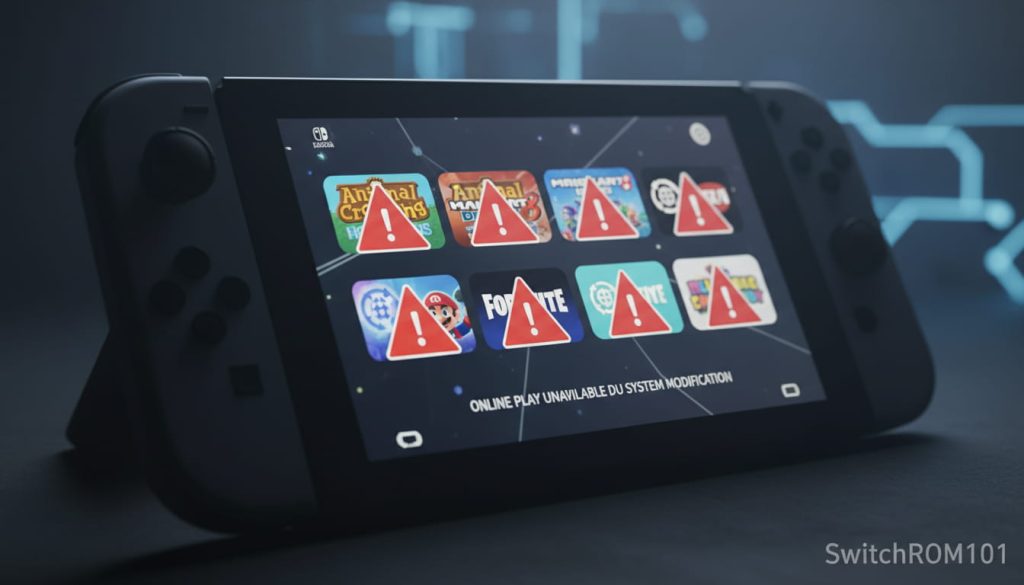
Using Online Play With Homebrew
Online multiplayer is one of the highest-risk actions on a modified system.
Modifying Online Games
Changing:
- Game files
- Save data
- In-game values
…while connected online almost guarantees detection.
Running Homebrew on SysMMC
Running custom firmware directly on the main system environment increases exposure.
From experience, most bans occur here.
Common Beginner Mistakes That Cause Bans
From real-world patterns:
- Forgetting to switch back to clean firmware
- Accidentally launching online services
- Updating firmware incorrectly
- Installing experimental tools without understanding them
Most bans happen due to human error, not bad luck.
Is It Possible to Be 100% Ban-Proof?
Honest Answer — No
There is no guaranteed ban-proof method.
However:
- Offline emuMMC
- Clean SysMMC
- No online mixing
…has proven to be extremely effective over long-term use.
Transparency matters more than promises.
FAQ: Avoiding Bans on Homebrew Switch
Will homebrew automatically get my Switch banned?
No. Homebrew alone does not cause bans. Online activity does.
Is emuMMC enough to prevent bans?
It greatly reduces risk when used correctly and kept offline.
Can Nintendo detect homebrew offline?
No evidence suggests offline-only homebrew triggers bans.
Is playing online with homebrew safe?
No. This is one of the most common ban triggers.
Can I still use eShop on a homebrew Switch?
Yes, but only on a clean system environment without modifications.
So, how do you avoid banning on a homebrew Switch?
By understanding one key principle:
👉 Nintendo bans behavior, not curiosity.
Keeping homebrew offline, separating environments, and avoiding online services on modified systems has consistently proven to be the safest approach.
If you’ve already set up homebrew or are planning to, explore our related guides on emuMMC setup, warranty risks, and best homebrew timing to reduce mistakes before they happen.
- ⚔️XCI vs NSP: Nintendo Switch File Formats Explained (2026)⚖️
- ⚖️🏛️What You Need to Know About ROM Copyright Laws: Understanding the Legalities

(GameOverlord) has been involved in Nintendo Switch emulation
since 2019. She owns two Nintendo Switch consoles and a Steam Deck OLED,
and has hands-on tested over 40 Switch titles across Ryujinx and
Sudachi emulators. Her background is in consumer electronics and
she has followed emulation law developments in the US, UK, and EU
since the Yuzu shutdown in 2024. SwitchROM101 was built to fill the
gap left by misleading ROM sites — giving gamers accurate, legal,
and technically correct information without hosting any game files.