Switch 2 Handheld Mode Boost Explained: How to Turn It On & What It Actually Does (2026)
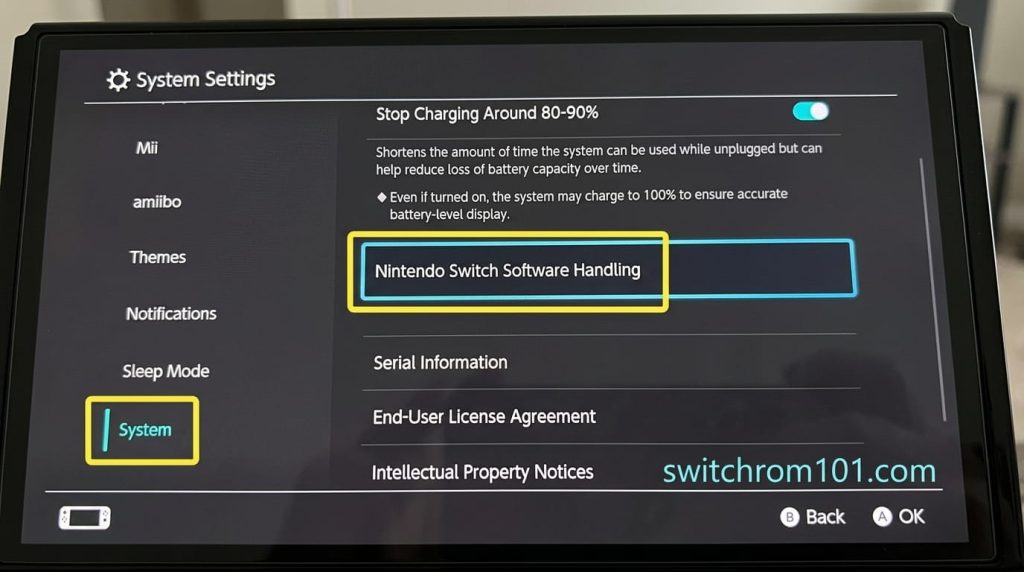
Quick answer: Handheld Mode Boost is a setting added in Switch 2 firmware 22.0.0 (March 16, 2026) that makes compatible Switch software run at full TV Mode performance levels even when playing in portable handheld mode. Enable it: Settings → System → Nintendo Switch Software Handling → Handheld Mode Boost → On. It improves visuals and frame rates for older Switch games but uses more battery.
What Handheld Mode Boost is — and why Nintendo added it
When the Nintendo Switch 2 launched in June 2025, it introduced a performance split: games ran at different performance targets in handheld mode versus docked TV mode. This is a standard power management approach — the system runs more conservatively when on battery to preserve charge.
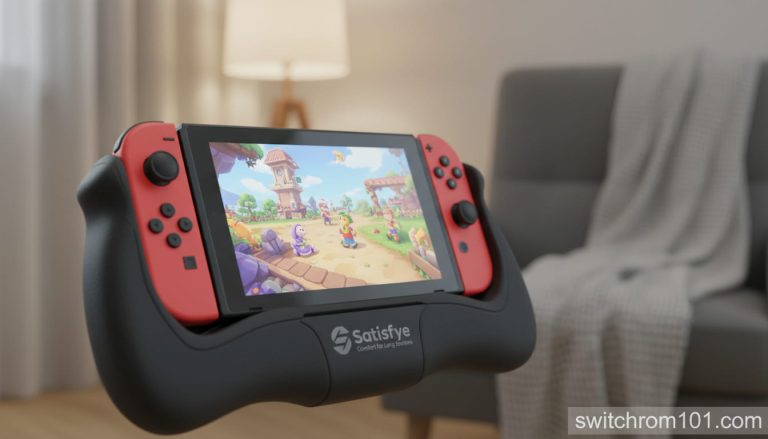
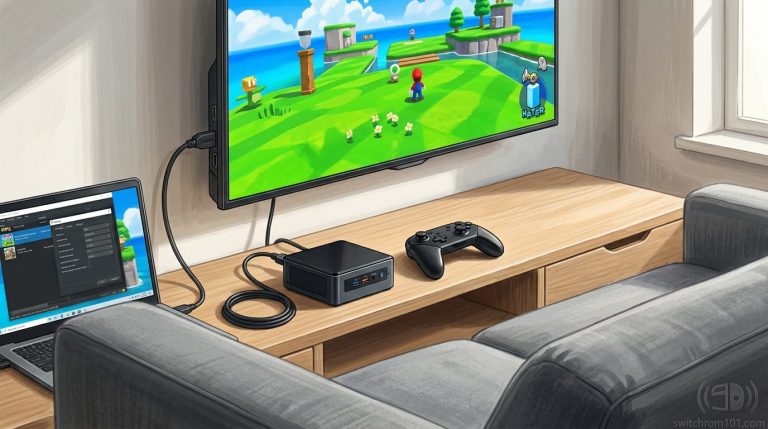
Handheld Mode Boost changes this equation for compatible software. With the feature enabled, the Switch 2 runs those games at the same clock speeds it would use when docked — despite being in handheld mode. For many Switch 1 games that were originally designed to output at 720p in handheld and 1080p when docked, this means they now render at 1080p even when you are playing on the go. The result is visibly sharper images, more stable frame rates, and in some cases improved loading times.
Nintendo confirmed the feature in the firmware 22.0.0 patch notes, describing it as: “Handheld Mode Boost will cause compatible Switch software to run as if in TV Mode, so certain functionality may be affected.”
What Is an NSZ File? Nintendo Switch Format Explained (2026)
How to enable Handheld Mode Boost — step by step
- From the HOME screen, select the gear icon to open System Settings.
- Scroll down and select System.
- Scroll to Nintendo Switch Software Handling.
- Select Handheld Mode Boost.
- Toggle the setting On.
- The setting takes effect immediately for any game you launch after enabling it.
Tip: You can also disable Handheld Mode Boost per-game if a specific title behaves unexpectedly with it enabled. Go to the game’s page on the HOME screen → Software Info → check if per-title overrides are available.
Which games benefit most from Handheld Mode Boost
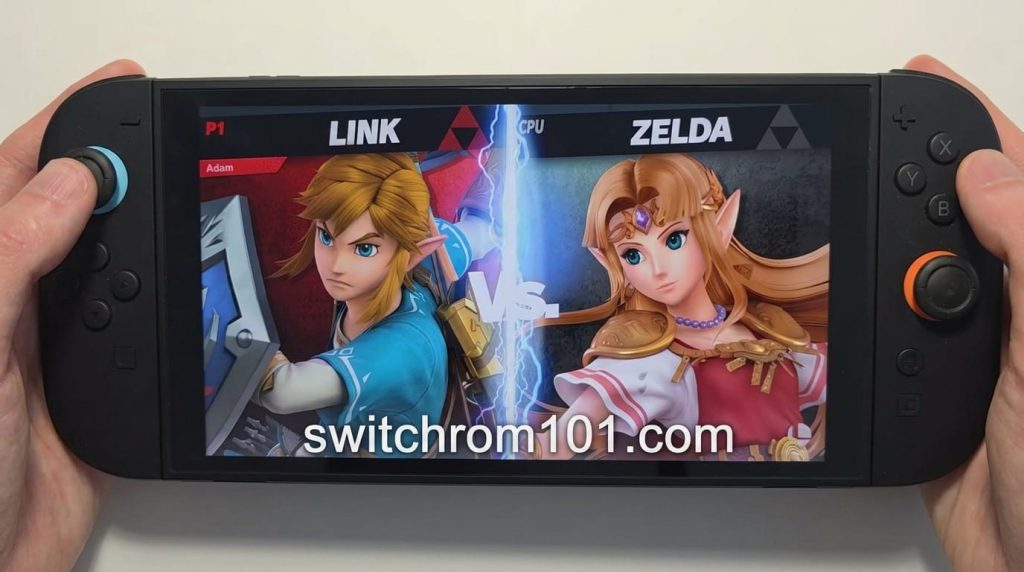
The boost is most visible in Switch 1 games that had a significant gap between their handheld (720p) and docked (1080p) performance targets. Games that originally ran at inconsistent frame rates in handheld mode see the most meaningful improvements.
- The Legend of Zelda: Breath of the Wild — sharper environment detail, more stable frame rate in busy areas
- The Legend of Zelda: Tears of the Kingdom — noticeable improvement in performance during Ultrahand construction
- Xenoblade Chronicles 3 — frame rate consistency improvement in large open areas
- Fire Emblem: Three Houses — faster map loading, sharper portrait renders
- Metroid Dread — improved clarity in fast movement sequences
- Pokémon Scarlet and Violet — frame rate improvement in dense areas like Paldea cities
Switch 2 native games (Mario Kart World, Donkey Kong Bananza) already run at full performance in handheld mode by design, so Handheld Mode Boost has minimal visible effect on them.
The battery impact — what you need to know
Handheld Mode Boost does consume more battery than standard handheld mode. Running at TV Mode clock speeds means the GPU and CPU draw more power regardless of whether the console is tethered to a charger. Community testing from BGR and Shacknews forums suggests the battery drain increase ranges from 15–25% depending on the game.
The practical recommendation: enable Handheld Mode Boost by default for best experience, but consider turning it off during long sessions away from charging. If you are on a flight or commute and battery life matters more than visual quality, disabling Boost alongside the other settings from our battery guide will give you the most playtime.
What “certain functionality may be affected” means
Nintendo’s patch note warning about “certain functionality may be affected” refers primarily to two scenarios:
- Games with heat-sensitive performance: Some games throttle themselves dynamically in handheld mode as a safety measure. Running at full TV Mode speeds may cause the console to run warmer, and Nintendo’s thermal management may occasionally reduce clock speeds during extended high-intensity sessions.
- Games with handheld-specific features: A small number of Switch 1 titles had handheld-only functionality tied to the lower performance state. These edge cases are rare, but Nintendo’s wording acknowledges them.
For the vast majority of Switch games, Handheld Mode Boost is a straightforward improvement with no downsides beyond battery consumption.
Frequently asked questions
Does Handheld Mode Boost work with all Switch games?
No — it applies to “compatible Switch software” as defined by Nintendo. Most Switch 1 games support it, but the specific compatibility list is managed by Nintendo on a title-by-title basis.
Does Handheld Mode Boost affect Switch 2 games?
Switch 2 native games already run at full performance in handheld mode, so the boost has negligible effect on them.
Can I leave Handheld Mode Boost on all the time?
Yes, but expect shorter battery life. For most users the visual improvement is worth it — disable it only when you specifically need maximum battery life.

(GameOverlord) has been involved in Nintendo Switch emulation
since 2019. She owns two Nintendo Switch consoles and a Steam Deck OLED,
and has hands-on tested over 40 Switch titles across Ryujinx and
Sudachi emulators. Her background is in consumer electronics and
she has followed emulation law developments in the US, UK, and EU
since the Yuzu shutdown in 2024. SwitchROM101 was built to fill the
gap left by misleading ROM sites — giving gamers accurate, legal,
and technically correct information without hosting any game files.