🔥 What Is Homebrew Switch Custom Firmware? The Truth Nintendo Never Explains (2026 Guide)
If you’ve ever heard gamers talk about homebrew, custom firmware, or unlocking the Nintendo Switch, you’re not alone. These terms come up constantly in forums, Reddit threads, and YouTube comments—but they’re rarely explained clearly.
So let’s answer it simply and honestly:
What is homebrew Switch custom firmware, how does it work, and why do people use it?
This guide explains everything in plain language—what it does, what it doesn’t, real-world risks, and whether it’s something beginners should even consider.
What Is Homebrew Switch Custom Firmware?
Homebrew Switch custom firmware (CFW) is modified system software that allows a Nintendo Switch to run applications and features not officially approved by Nintendo.
In real-world use, custom firmware lets users:
- Run homebrew apps (community-made software)
- Use emulators and utilities
- Customize the system interface
- Access advanced system tools not available on stock firmware
⚠️ Important: Custom firmware does not come preinstalled and requires technical steps to enable.
Homebrew Switch custom firmware is modified Nintendo Switch system software that allows users to run unofficial apps, tools, and features beyond Nintendo’s restrictions. It is used for customization, experimentation, and backups, but carries legal and technical risks.
What Does “Homebrew” Mean on Nintendo Switch?
Homebrew Explained in Simple Terms
Homebrew refers to software created by independent developers, not Nintendo. These apps are usually made to:
- Add new features
- Learn how the system works
- Provide tools Nintendo doesn’t offer
From practical experience, most homebrew apps are utilities, not games.
Common Beginner Misconception
❌ Homebrew ≠ piracy
Homebrew apps themselves are legal in many regions. Problems arise depending on how they’re used, not what they are.
What Is Custom Firmware (CFW) on Switch?
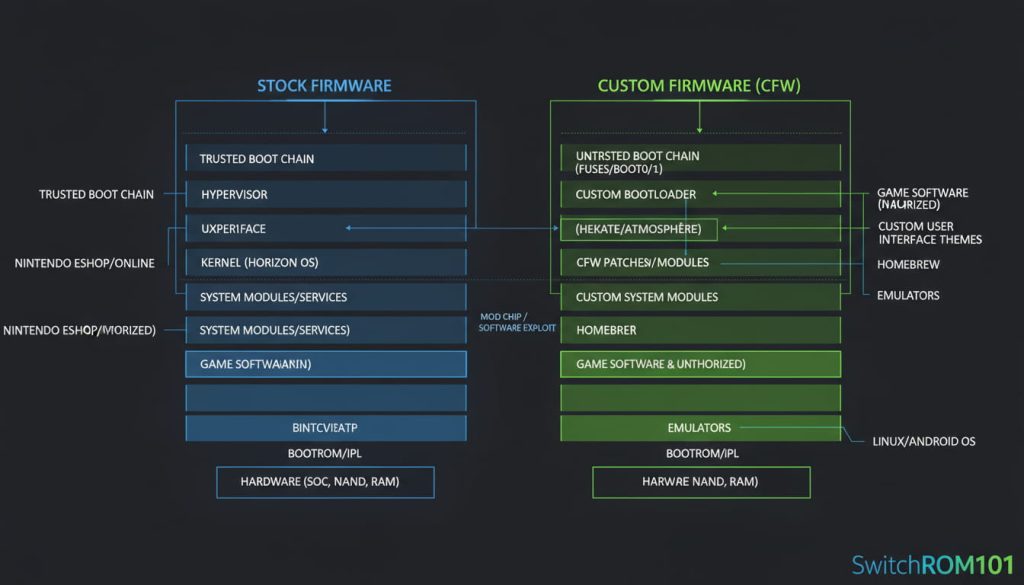
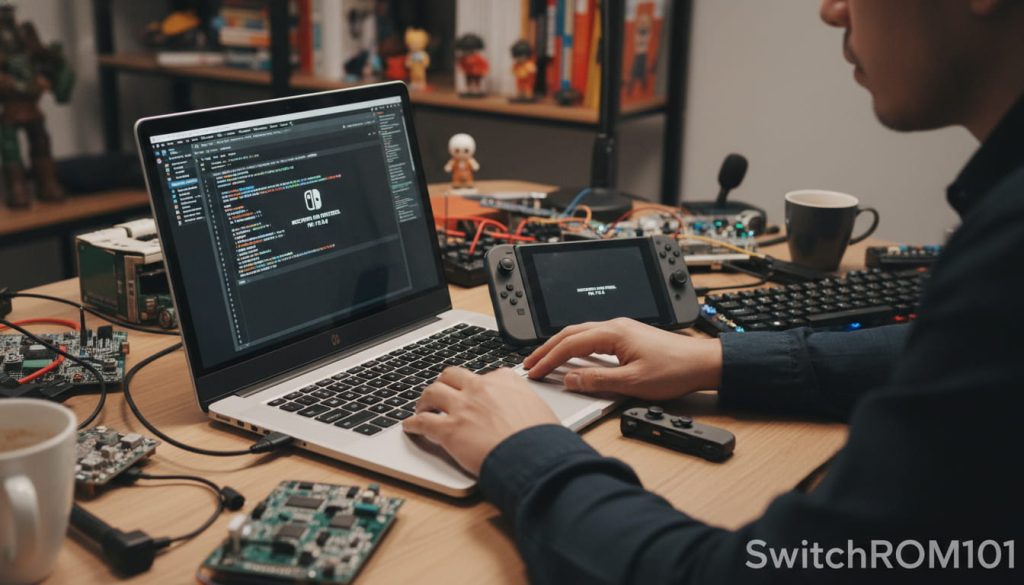
How Custom Firmware Works
Custom firmware replaces or layers over Nintendo’s official firmware, Eventually. giving deeper access to system functions.
In simple terms:
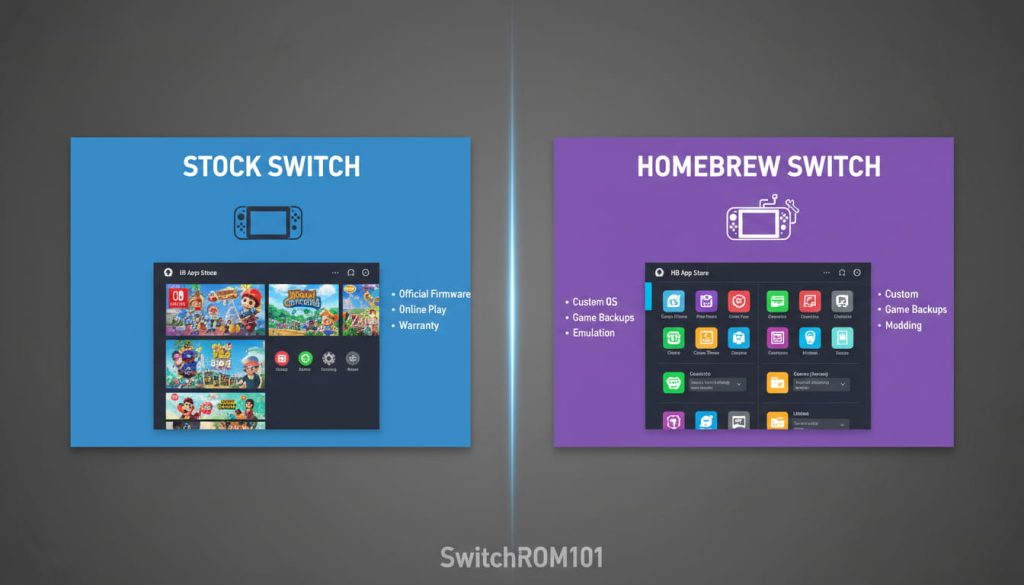
- Stock firmware = locked system
- Custom firmware = unlocked system environment
Well-known CFW environments exist, but they are not officially supported.
Why Nintendo Blocks This
Nintendo restricts firmware to:
- Prevent cheating
- Stop piracy
- Maintain system stability
- Protect online services
What Can You Do With Homebrew Switch CFW?
Real-World Uses (From User Reports)
Many users report using CFW for:
- Save-file management
- System backups
- Accessibility tools
- Emulation of legally owned games
- Performance monitoring
What It Cannot Do
Custom firmware:
- Does NOT magically boost hardware power
- Does NOT guarantee safe online play
- Does NOT make illegal content legal
Is Homebrew Switch Custom Firmware Legal?
Legal Reality (No Myths)
Legality depends on three factors:
- Your country’s copyright laws
- How the firmware is used
- Whether protections are bypassed
Even if something is legal locally, it may still violate Nintendo’s Terms of Service.
Terms of Service vs Law
From an enforcement perspective:
- Legal issues usually target distributors
- Nintendo penalties usually mean console or account bans
Risks and Limitations You Must Understand
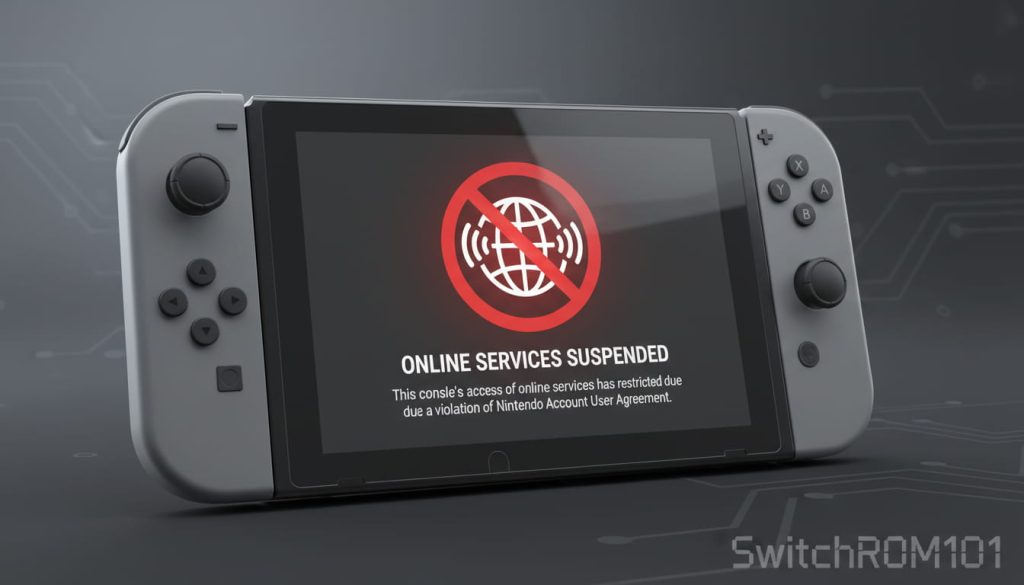
Console & Account Bans
Connecting a modified Switch online can result in:
- Permanent online bans
- eShop access loss
- Cloud save removal
System Stability Risks
Common beginner mistakes include:
- Incorrect firmware installation
- Mixing incompatible system versions
- Updating incorrectly
These can cause crashes or data loss.
Warranty Loss
Any firmware modification typically voids warranty support.
Who Should (and Shouldn’t) Use Switch Custom Firmware?
It Makes Sense If You:
- Understand technical instructions
- Accept risks clearly
- Use the system offline
- Want learning or experimentation
Avoid It If You:
- Play online frequently
- Want a hassle-free console
- Are uncomfortable with recovery steps
Best Practices From Experienced Users
- Keep a clean, unmodified system backup
- Separate online and offline usage
- Never rush updates
- Avoid mixing tools blindly
- Read official documentation carefully
These habits significantly reduce problems.
FAQ: Homebrew Switch Custom Firmware (Voice Search Optimized)
What is homebrew Switch custom firmware used for?
It’s used to run unofficial apps, system tools, and custom features not available on stock firmware.
Is homebrew on Switch illegal?
Homebrew itself isn’t always illegal, but misuse or bypassing protections can create legal issues.
Can beginners install custom firmware safely?
Beginners can, but only if they follow trusted guides and accept the risks involved.
Will custom firmware get my Switch banned?
There is a real risk, especially if the console connects online.
Does custom firmware improve performance?
No. It adds features, not hardware power.
Can I remove custom firmware later?
In many cases yes, but traces may remain.
So, what is homebrew Switch custom firmware really about?
It’s not a shortcut or a cheat—it’s a technical modification that unlocks system freedom at the cost of stability, safety, and official support. For curious, careful users, it can be educational and powerful. For casual players, the risks often outweigh the benefits.
Understanding the difference between possibility and responsibility is what matters most.
If you’ve explored homebrew or are researching it out of curiosity, share your thoughts below—or explore our related guides to understand safety, legality, and best practices in more depth.
- Switch ROM: What It Is, How It Works & the Complete Legal Guide (2026)
- MIG Switch Guide: How It Works, Risks & Legal Facts

(GameOverlord) has been involved in Nintendo Switch emulation
since 2019. She owns two Nintendo Switch consoles and a Steam Deck OLED,
and has hands-on tested over 40 Switch titles across Ryujinx and
Sudachi emulators. Her background is in consumer electronics and
she has followed emulation law developments in the US, UK, and EU
since the Yuzu shutdown in 2024. SwitchROM101 was built to fill the
gap left by misleading ROM sites — giving gamers accurate, legal,
and technically correct information without hosting any game files.