MIG Switch Guide: How It Works, Risks & Legal Facts
The MIG Switch has become a popular tool among Nintendo Switch enthusiasts who want to enhance their console experience by running homebrew apps, ROM backups, and custom firmware. Whether you’re interested in modding your Switch for personal use, game backups, or unlocking advanced features, the MIG Switch provides a powerful and flexible solution.
However, as with any modding tool, using the MIG Switch comes with both benefits and risks, particularly when it comes to navigating Nintendo’s anti-piracy measures. This comprehensive guide will walk you through everything you need to know about the MIG Switch, including its installation, firmware updates, the latest trends in the gaming community, and the do’s and don’ts of using it safely.
Whether you’re a new user looking to start modding or a veteran Switch modder, this guide will help you maximize the potential of the MIG Switch while minimizing risks.
What is the MIG Switch?
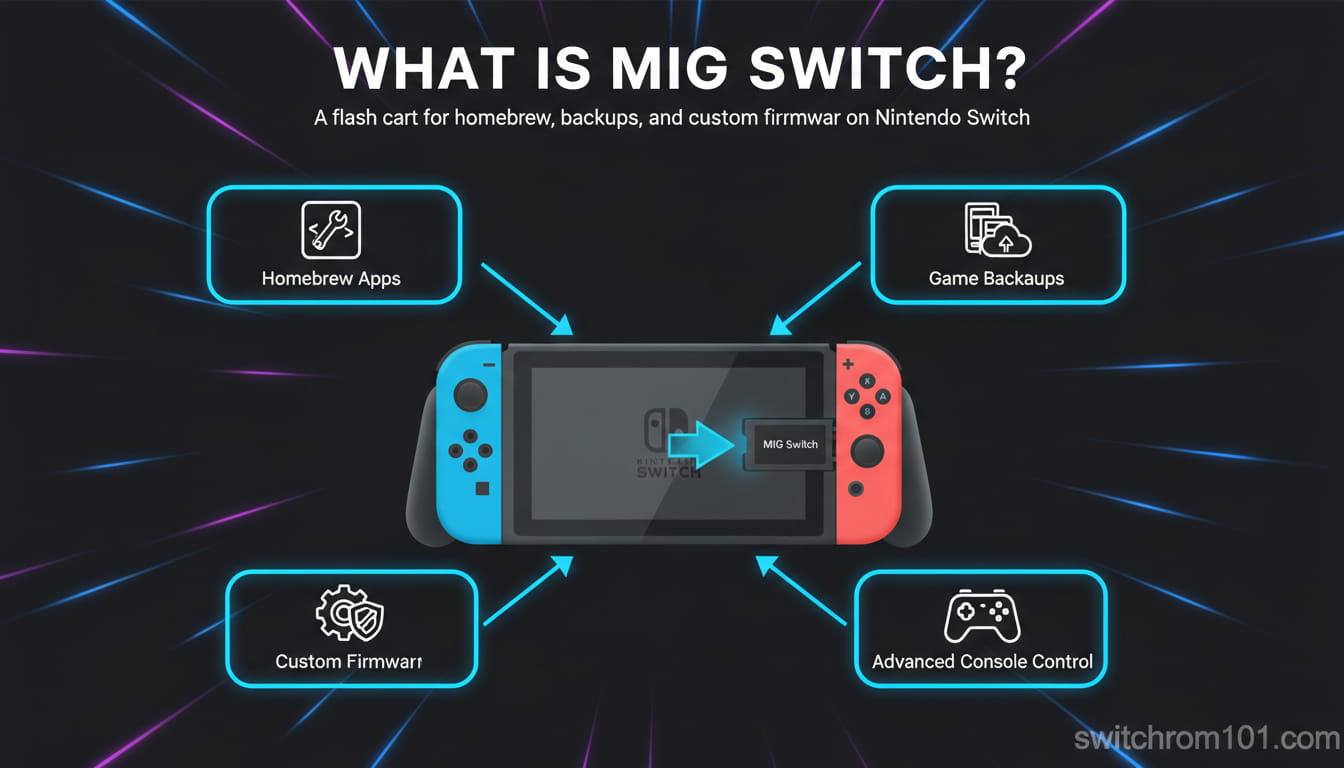
The MIG Switch is a flash cart used for running homebrew apps and ROM backups on a Nintendo Switch. It allows users to bypass certain restrictions set by Nintendo, enabling them to run custom software, back up games, and access additional features that are not available through official channels.
- Key Features of MIG Switch:
- Run Homebrew Apps: Install apps that are not available on the Nintendo eShop.
- Backup Games: Play ROM backups of physical Switch games you legally own.
- Custom Firmware: Install and manage custom firmware for more control over the console.
- Compatibility: Works with various versions of the Nintendo Switch, offering flexibility for users with different console setups.
The Growing Trend of MIG Switch in the Gaming Community
The Rise of Custom Firmware and Homebrew
In recent years, the Switch modding community has exploded, with more and more players choosing to modify their consoles to run homebrew apps, emulators, and ROM backups. The MIG Switch is a significant tool in this trend, as it provides a simple and effective way to unlock a Switch’s full potential.
MIG Switch in the Spotlight: Latest Discussions in Gaming Communities
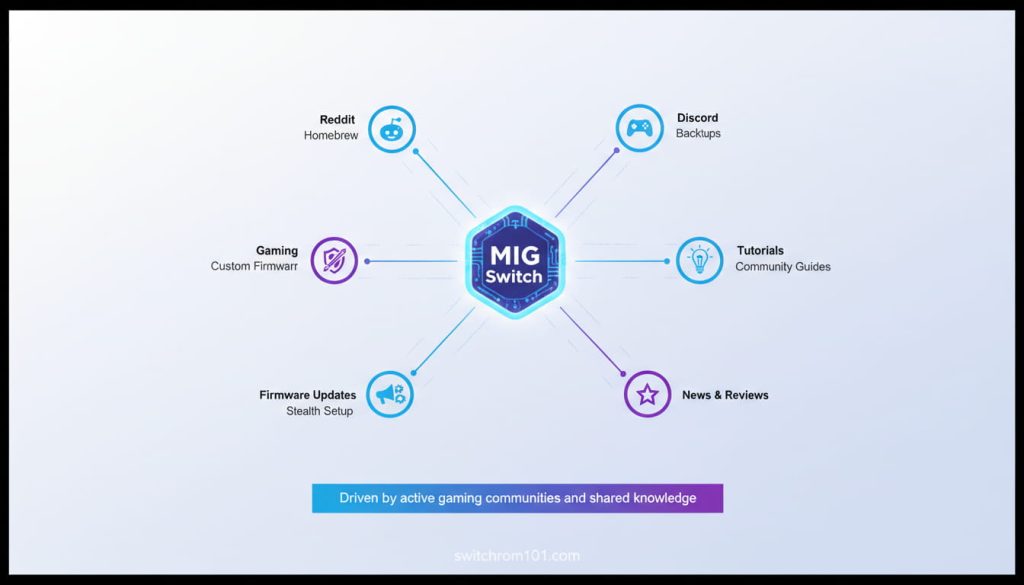
The gaming community is buzzing with discussions about the MIG Switch. Reddit, Discord servers, and gaming forums like GBAtemp are filled with threads, tutorials, and user experiences, reflecting the growing popularity of MIG Switch and its capabilities.
- What’s Trending? The MIG Switch is widely discussed in communities that focus on homebrew apps, ROM backups, and custom firmware. Users are actively sharing tips, best practices, and updates to ensure they can use MIG Switch safely without facing console bans.
- Viral Hacks and Workarounds: From stealth firmware options to methods for avoiding Nintendo bans, the MIG Switch continues to be part of the evolving Switch modding scene.
Key Point: MIG Switch is gaining popularity as a tool for homebrew modding and game backups, driven by active discussions and shared knowledge in gaming communities.
MIG Switch Firmware and Updates
Understanding MIG Switch Firmware
Like any homebrew tool, the MIG Switch requires firmware to function properly. Firmware updates are essential for ensuring the tool remains compatible with newer Switch firmware versions and continues to perform well.
- Firmware Updates: The MIG Switch firmware should be updated regularly to ensure compatibility with Switch updates and to address security vulnerabilities.
- Custom Firmware Integration: When using the MIG Switch in conjunction with custom firmware (such as Atmosphere or Hekate), it’s important to ensure both the MIG Switch firmware and custom firmware are up-to-date.
Key Point: Regular updates are crucial for maintaining the MIG Switch’s functionality and security. Always stay up-to-date with the latest firmware to ensure optimal performance.
The Do’s and Don’ts of Using MIG Switch
Do’s of Using MIG Switch
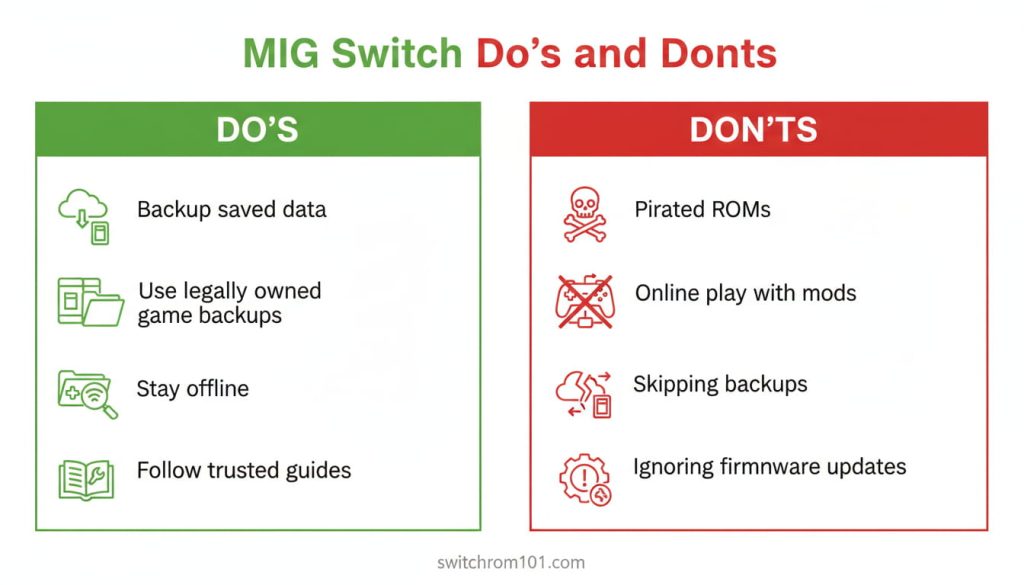
- Do Backup Your Saved Data: Before you start using the MIG Switch, ensure that you back up your saved games and essential data to avoid losing any progress if something goes wrong.
- Do Use Legal ROMs: Only use ROM backups of games that you legally own. Piracy is illegal and can result in a console ban or legal consequences.
- Do Keep Your Switch Offline: If you’re using the MIG Switch with custom firmware, avoid connecting to Nintendo Online Services to prevent detection and possible console bans.
- Do Follow Tutorials and Guides: The MIG Switch can be complex, so it’s always a good idea to follow trusted community guides or official documentation to ensure you’re using it correctly.
Don’ts of Using MIG Switch
Don’t Use PIRATED ROMs: Running illegally downloaded ROMs will increase the risk of detection by Nintendo and lead to a console ban.
Don’t Use MIG Switch While Online: Never use the MIG Switch while connected to Nintendo Online Services. Even if you’re using stealth custom firmware, it’s safer to stay offline.
Don’t Forget to Backup Firmware: Always backup your current firmware before making any modifications, as this allows you to restore the system to a working state in case something goes wrong.
Key Point: Following these do’s and don’ts will ensure that your MIG Switch experience is safe, legal, and risk-free.
Common MIG Switch Hacks and Tips
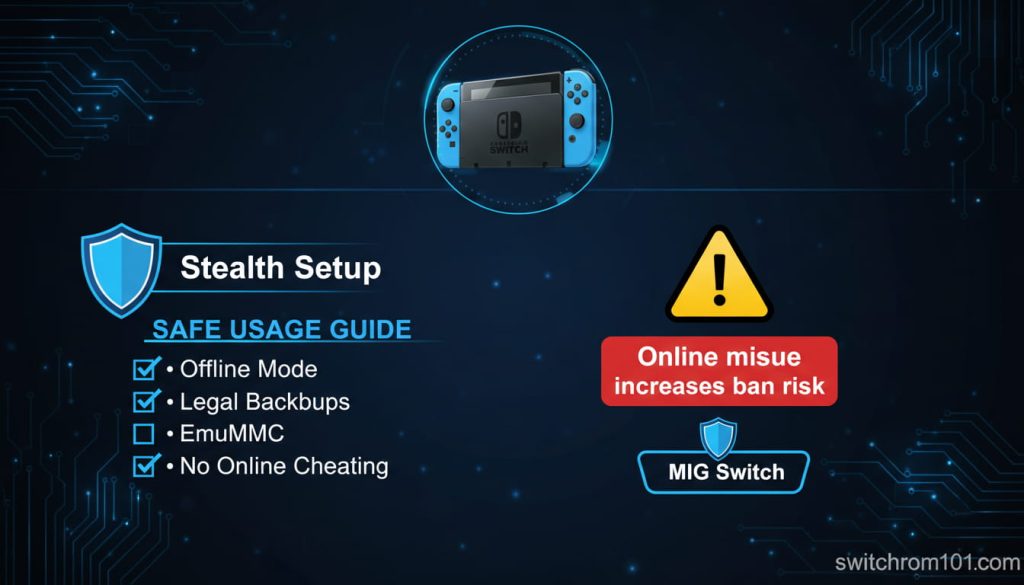
1. Stealth Custom Firmware for MIG Switch
To avoid detection by Nintendo and prevent console bans, many MIG Switch users turn to stealth custom firmware. This type of firmware hides the presence of homebrew apps or modifications from Nintendo’s servers.
Best Stealth CFW Options: Atmosphere with EmuMMC is one of the most popular choices, offering increased stealth and safe online gaming.
2. Avoiding Console Bans
The biggest fear for MIG Switch users is a console ban. To minimize this risk:
- Never connect to Nintendo Online Services while using MIG Switch.
- Don’t run pirated ROMs or cheat in online games using homebrew apps.
Key Point: Stealth CFW and careful management of your Switch’s online activity are essential to avoid console bans.
MIG Switch FAQ
1. Can I use MIG Switch for all Switch games?
Yes, the MIG Switch works with most Switch games as long as you have the correct ROM files and custom firmware. However, some newer games might require additional updates or patches to run.
2. How can I avoid a console ban while using MIG Switch?
To avoid a console ban, keep your Switch offline, use legal ROMs, and avoid cheating or using homebrew apps with online play.
3. Is it safe to use MIG Switch for online gameplay?
Using MIG Switch with online gameplay is risky and not recommended unless you’re using stealth custom firmware and taking proper precautions. Even with stealth firmware, there’s still a chance of detection.
4. How do I update MIG Switch firmware?
To update your MIG Switch firmware, visit the official MIG Switch website for the latest updates. Ensure that your microSD card is formatted correctly, and follow the provided instructions.
5. Can I use MIG Switch for game modding or cheats?
Yes, MIG Switch can be used for game modding and applying cheats, but be cautious about online play as using cheats can lead to a ban.
The MIG Switch is an incredibly versatile tool that unlocks the full potential of your Nintendo Switch by allowing you to run homebrew apps, ROM backups, and custom firmware. However, to enjoy a smooth experience with MIG Switch, it’s crucial to follow best practices, stay offline, and avoid pirated ROMs. By doing so, you can safely enjoy the freedom that MIG Switch offers without the fear of console bans or legal issues.
Are you using MIG Switch on your Nintendo Switch? Share your experience and any tips you have in the comments below! Don’t forget to check out our other guides on Switch homebrew, custom firmware, and safe modding practices!

(GameOverlord) has been involved in Nintendo Switch emulation
since 2019. She owns two Nintendo Switch consoles and a Steam Deck OLED,
and has hands-on tested over 40 Switch titles across Ryujinx and
Sudachi emulators. Her background is in consumer electronics and
she has followed emulation law developments in the US, UK, and EU
since the Yuzu shutdown in 2024. SwitchROM101 was built to fill the
gap left by misleading ROM sites — giving gamers accurate, legal,
and technically correct information without hosting any game files.