🕹️ How to Play Breath of the Wild on PC: Ryujinx Setup Guide🛠️
The Legend of Zelda: Breath of the Wild is one of the most iconic Nintendo Switch games, and if you’re a PC gamer, you may be wondering if it’s possible to play it on your computer. Thanks to Ryujinx, a powerful Switch emulator, you can experience Breath of the Wild in 4K or even higher resolutions on your PC.
In this guide, we’ll show you step-by-step how to set up Ryujinx for playing Breath of the Wild on your PC, from downloading the emulator to optimizing settings for smooth gameplay.
What Is Ryujinx?
Ryujinx is a high-performance Nintendo Switch emulator for Windows, macOS, and Linux. It allows you to play Nintendo Switch games on your PC by simulating the Switch hardware.
Breath of the Wild is one of the most popular games for emulation, and Ryujinx provides the best experience for high-quality visuals and smooth gameplay.
- Why Choose Ryujinx?
- Great compatibility with Breath of the Wild and other Switch titles.
- Good performance even on mid-range systems.
- Regular updates and active development.
System Requirements for Playing Breath of the Wild on PC with Ryujinx
Before you start, make sure your PC meets the necessary specifications to run Ryujinx and Breath of the Wild smoothly:
Minimum System Requirements:
- OS: Windows 10 (64-bit), macOS 10.13 or higher, or Linux.
- CPU: At least an Intel Core i5 or AMD Ryzen 5 (quad-core or better).
- GPU: NVIDIA GeForce GTX 1060 or AMD Radeon RX 580 or higher.
- RAM: 8GB or more.
- Storage: 4GB of available disk space for Ryujinx and game ROMs.
Recommended System Requirements:
- OS: Windows 10 (64-bit) or macOS 11 (Big Sur) or higher.
- CPU: Intel Core i7 or AMD Ryzen 7 with 6+ cores.
- GPU: NVIDIA GeForce RTX 3060 or AMD Radeon RX 6700 XT or higher.
- RAM: 16GB or more for smooth performance.
- Storage: SSD for faster load times.
Step-by-Step Guide to Setting Up Ryujinx for Breath of the Wild
Step 1: Download and Install Ryujinx
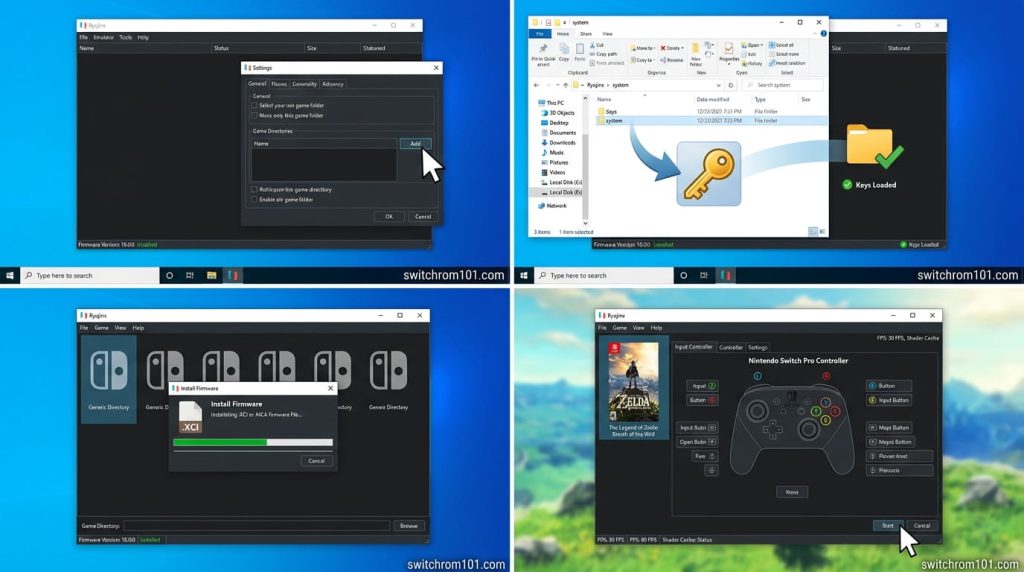
- Visit the official Ryujinx website: https://ryujinx.org/
- Go to the Downloads section and select the appropriate version for your operating system (Windows, macOS, or Linux).
- Download and install the emulator by following the on-screen instructions.
Step 2: Set Up the Emulator
- Launch Ryujinx after installation.
- The first time you run Ryujinx, you will need to configure the emulator:
- Go to Options > Settings.
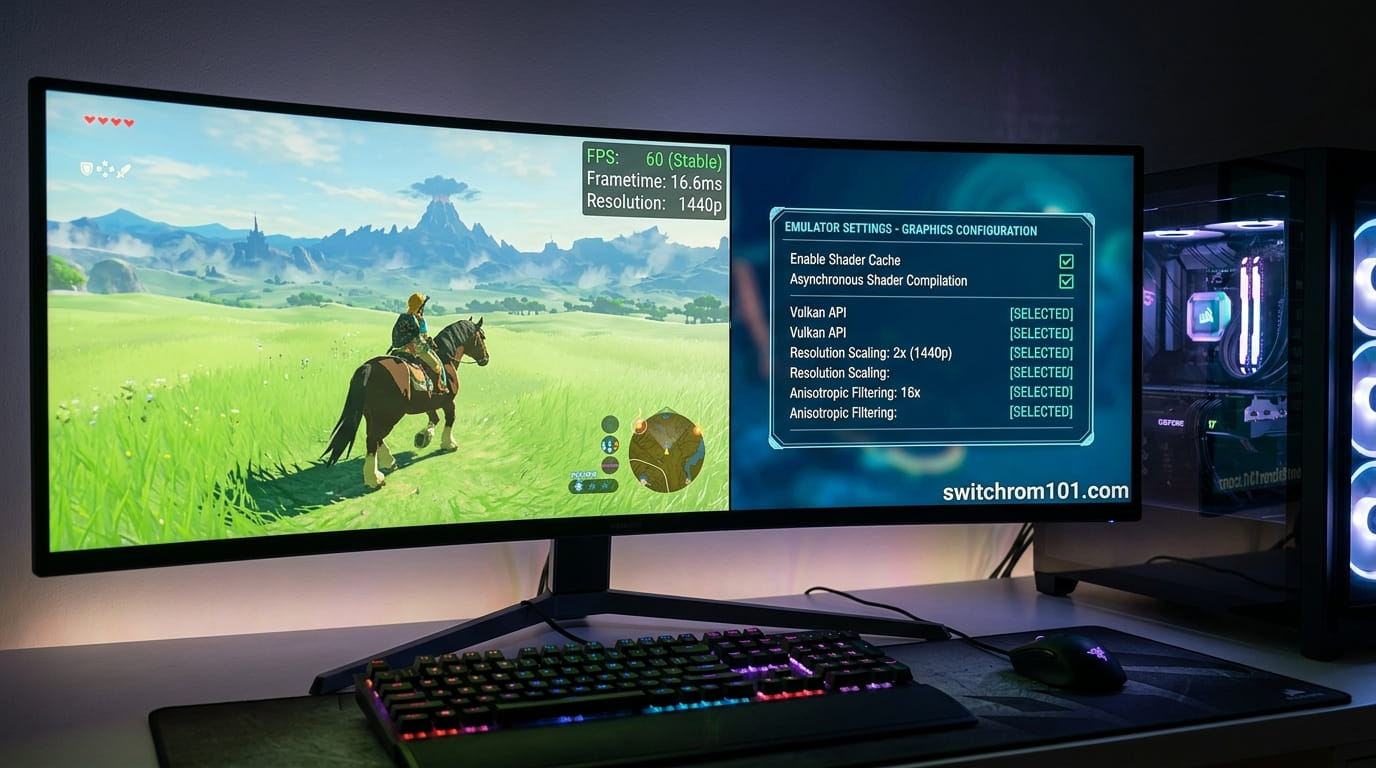
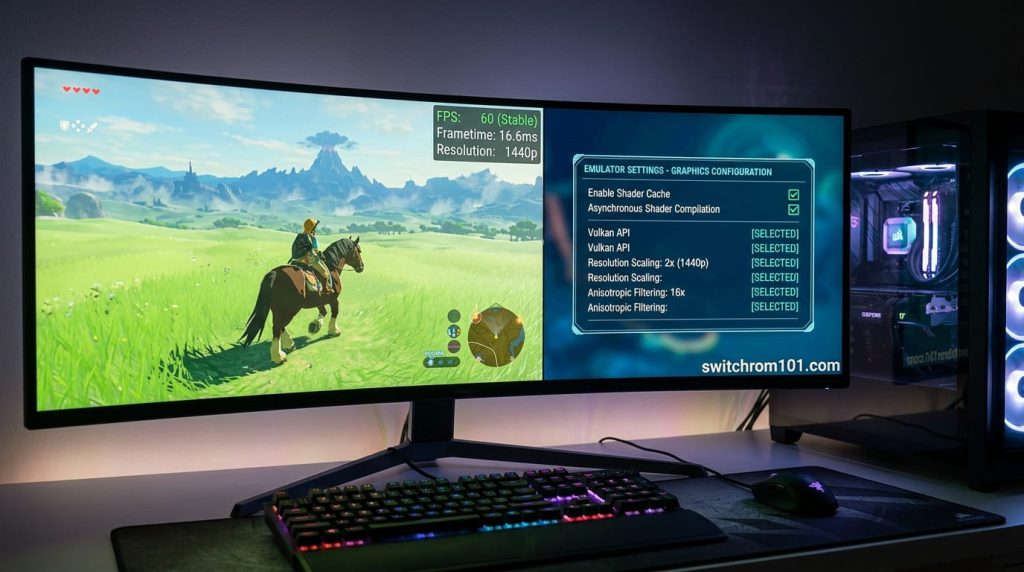
- Graphics Settings: Set Vulkan as the Graphics API (this is recommended for better performance). If you have an older GPU, you may need to use OpenGL.
- Under Resolution, set it to Auto or choose 720p for smoother gameplay on lower-end systems. For higher-end PCs, you can choose 1080p or 4K.
- Enable V-Sync for smoother frame rates.
Step 3: Install Switch Firmware and Keys
Ryujinx requires the Switch firmware and keys to function. You will need to dump these from your own Nintendo Switch. Here’s how:
- Dumping Keys: Use the Lockpick_RCM homebrew tool on your Switch to extract the keys.
- Dumping Firmware: Dump the Switch firmware (the prod.keys and title.keys) from your own console.
- In Ryujinx, go to File > Open Ryujinx Folder, and place the keys and firmware files in the appropriate folders:
- Keys: Place prod.keys and title.keys in the keys folder.
- Firmware: Place the firmware files (e.g., boot0 and boot1) in the firmware folder.
Step 4: Download and Load Breath of the Wild ROM
- Obtain the ROM of Breath of the Wild legally. You must own a physical or digital copy of the game.
- Dump the ROM from your Switch using Hekate or another dumping tool.
- Place the Breath of the Wild ROM in a folder on your PC.
- In Ryujinx, go to File > Load File and navigate to the location where you stored your Breath of the Wild ROM.
- Select the ROM file to load the game.
Step 5: Configure Controller Settings
- Go to Options > Configure and select the Input tab.
- You can either connect a Switch Pro Controller, Joy-Cons, or a USB controller to your PC.
- Set up your controller bindings to ensure they are mapped correctly to your game.
Step 6: Launch the Game
Once you’ve completed all the setup steps, you can start Breath of the Wild:
- Click Start in Ryujinx to launch the game.
- Ryujinx will load the game, and you can begin playing Breath of the Wild on your PC!
How to Build a Silent PC for Smooth Switch Emulation
Performance Tips for Playing Breath of the Wild on PC
1. Lower the Resolution
If you’re experiencing lag or stuttering, try lowering the internal resolution. Setting it to 720p or 1080p can improve performance, especially on mid-range or low-end PCs.
2. Use Vulkan for Better Performance
Make sure Vulkan is selected as the graphics backend for better performance. It offers superior optimization over OpenGL and is highly recommended for Breath of the Wild.
3. Adjust CPU Settings
In Ryujinx, enable multi-core CPU emulation for smoother gameplay, especially for complex scenes in Breath of the Wild.
4. Enable Asynchronous Shader Compilation
This feature allows Ryujinx to compile shaders in the background, reducing stuttering and improving performance while playing the game.
Troubleshooting Common Issues
1. Game Crashes on Startup
- Solution: Ensure that you have updated firmware and proper keys installed. Reinstall the firmware if necessary.
2. Slow FPS or Laggy Gameplay
- Solution: Lower the internal resolution or adjust V-Sync settings in Ryujinx. Also, try reducing the graphical settings for smoother performance.
3. No Sound or Audio Issues
- Solution: Try updating your audio drivers and ensuring that Ryujinx is set to use the correct audio backend.
How to Play Breath of the Wild on PC with Ryujinx
Playing Breath of the Wild on your PC using Ryujinx allows you to enjoy high-resolution and smooth gameplay, even at 4K. By following this setup guide, you can easily emulate Nintendo Switch games and enjoy all the magic of Breath of the Wild on your computer.
With Ryujinx‘s regular updates, you can expect great performance and compatibility, allowing you to immerse yourself in Hyrule.
FAQ
1. Is Ryujinx the best emulator for Breath of the Wild?
Ryujinx is one of the best emulators for Breath of the Wild due to its stability and performance. While Yuzu is also a great option, Ryujinx tends to have fewer issues with certain graphical glitches.
2. Can I play Breath of the Wild in 4K on PC?
Yes, with the right hardware (especially a high-end GPU), you can play Breath of the Wild in 4K resolution using Ryujinx.
3. Do I need a powerful PC to run Breath of the Wild on Ryujinx?
For smooth performance, especially at higher resolutions, a powerful PC is recommended. A high-end CPU and GPU will ensure better performance for Switch emulation.
Steam Deck Switch Emulation in 2026: Everything You Need to Know

(GameOverlord) has been involved in Nintendo Switch emulation
since 2019. She owns two Nintendo Switch consoles and a Steam Deck OLED,
and has hands-on tested over 40 Switch titles across Ryujinx and
Sudachi emulators. Her background is in consumer electronics and
she has followed emulation law developments in the US, UK, and EU
since the Yuzu shutdown in 2024. SwitchROM101 was built to fill the
gap left by misleading ROM sites — giving gamers accurate, legal,
and technically correct information without hosting any game files.