Can You Play Nintendo Games on PC? ONLY GUIDE YOU NEED
Yes, you can play Nintendo games on your PC using emulation software. Emulators mimic the Nintendo console’s environment on your computer, allowing you to play classic games from consoles like the Nintendo Switch, Wii, or even older systems like the NES. This guide explores the process, tools, and legal considerations for playing Nintendo games on your PC.
Why Does It Matter Right Now?
With Nintendo games being beloved by gamers of all ages, the idea of playing these titles on a PC offers a convenient and customizable way to enjoy them. Whether you’re nostalgic for classic titles or looking to play newer games with enhanced graphics, emulation opens up a world of possibilities.
Who is This Guide Useful For?
This guide is useful for gamers who want to play Nintendo games on their PC, those interested in emulation, and anyone looking for an easy way to play Nintendo classics without owning the original console.
Can You Play Nintendo Games on PC?
Emulating Nintendo games on your PC is a popular way to enjoy some of the most iconic games in history, from the original Super Mario Bros. to the latest titles on the Nintendo Switch. Let’s break down the process and explore the best tools and practices for playing these games.
What Is Game Emulation?
Game emulation is the process of mimicking the hardware of a gaming console, like the Nintendo Switch, on another platform such as a PC. By using an emulator, your computer replicates the function of the original hardware, allowing you to run games designed for that console.
How Can You Play Nintendo Games on PC? (Process-Based)
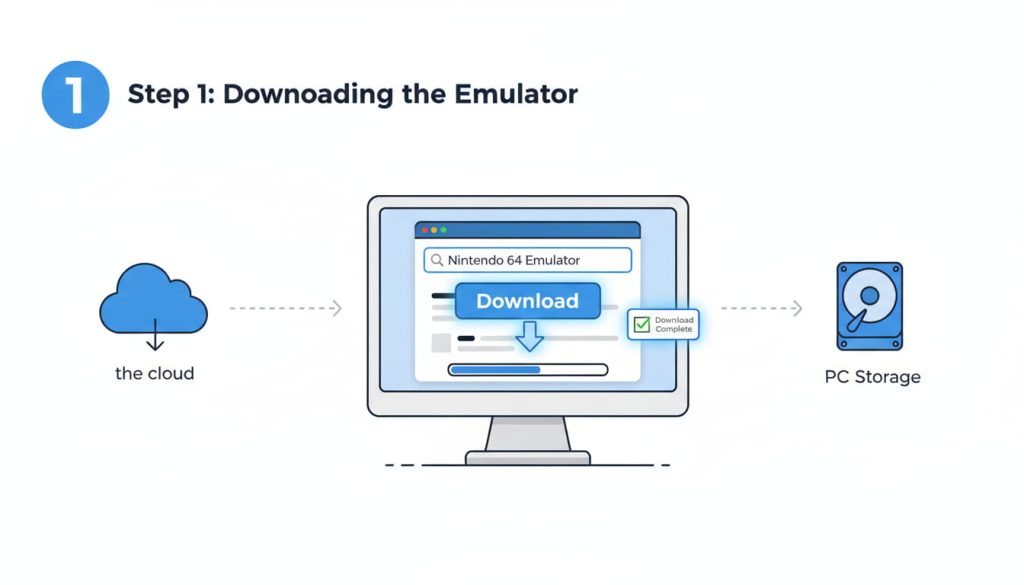
Step 1: Choose an Emulator
To play Nintendo games on your PC, you’ll need an emulator. Some popular emulators for Nintendo games include:
- Cemu (for Wii U games)
- Yuzu (for Nintendo Switch games)
- RetroArch (for older consoles like the NES and SNES)
Step 2: Download and Install the Emulator
Visit the official websites of the emulator of your choice, download the installation file, and follow the setup instructions. Each emulator will have its own installation process, but most are straightforward.
Step 3: Acquire the Game ROMs
To play games, you’ll need ROM files, which contain the game data. You can find these files through various sources, but make sure to use legitimate websites to avoid downloading malicious software.
Step 4: Load and Play the Game
Once you’ve installed the emulator and acquired the ROM, load the game through the emulator’s interface and start playing. You can often adjust graphics, controls, and other settings to enhance your gaming experience.
Best Emulators for Playing Nintendo Games on PC (Benefits & Limitations)
Cemu
Cemu is an emulator for the Nintendo Wii U that allows you to play games like The Legend of Zelda: Breath of the Wild and Super Mario 3D World. It offers high compatibility and supports upscaling, allowing for enhanced graphics.
Benefits:
- High-quality emulation
- Supports 4K resolution on compatible hardware
Limitations:
- Only supports Wii U games
- Requires a powerful PC for optimal performance
Yuzu
Yuzu is an emulator for the Nintendo Switch, one of the most popular systems in the world. It allows you to play games like Super Mario Odyssey and The Legend of Zelda: Breath of the Wild on your PC.
Benefits:
- Actively developed with frequent updates
- Can run Nintendo Switch games at higher resolutions
Limitations:
- Still in early stages for some games
- Requires high-end hardware for smooth performance
RetroArch
RetroArch is a versatile emulator that supports a variety of older Nintendo consoles, including the NES, SNES, and Game Boy.
Benefits:
- Supports a wide range of consoles
- Easy to use and configure
Limitations:
- Limited support for newer Nintendo consoles
- Doesn’t support 3D games as well as other emulators
Legal Considerations (Risks & Tips)
Legal Issues
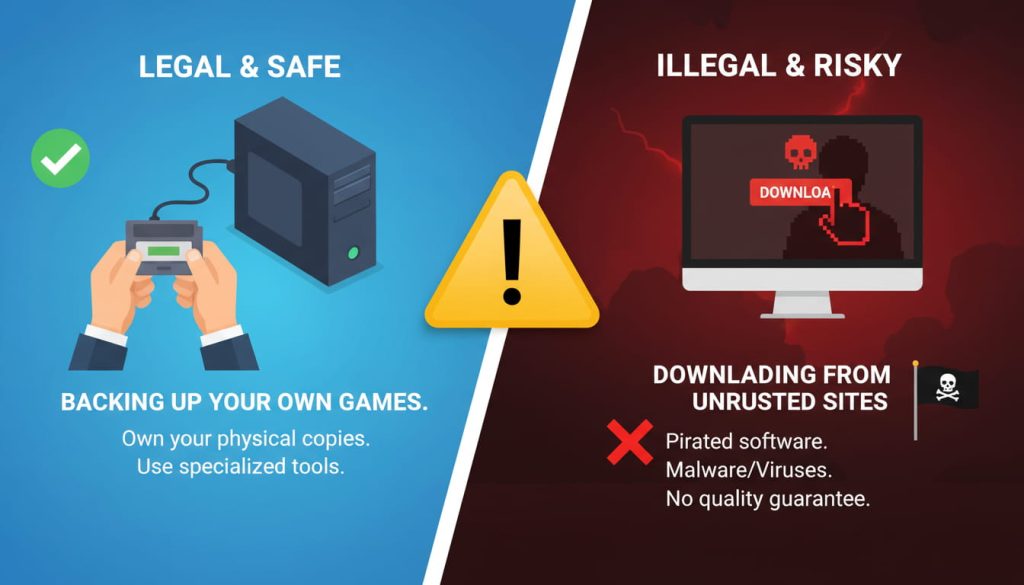
While emulators themselves are legal, downloading ROMs of games you do not own is considered illegal in many countries. It’s crucial to ensure that you only use ROMs for games you have purchased to avoid potential legal problems.
Risks of Using ROMs
Many unofficial ROM websites distribute games illegally and can expose your PC to viruses or malware. Always use legitimate sources or extract your ROMs from games you already own to stay on the safe side.
Tips for Staying Legal
- Always create backups of your games.
- Ensure that you legally own the original game before downloading the ROM.
- Use trusted websites for downloading ROMs.
Emulating Nintendo Games vs. Playing on Original Hardware (Comparisons or Alternatives)
- Emulating allows you to play games from older consoles with enhanced graphics and customization options, but it requires a good PC and may come with legal or compatibility issues.
- Original hardware offers the authentic experience, but it can be costly, and you’re limited to the games that are available on that system.
FAQ Section
1. Can you legally play Nintendo games on PC?
Yes, as long as you own the original game and use an emulator legally. Downloading ROMs for games you don’t own can lead to legal issues.
2. What is the best Nintendo emulator for PC?
Some of the best Nintendo emulators for PC include Cemu (for Wii U), Yuzu (for Switch), and RetroArch (for older Nintendo consoles like the NES and SNES).
3. Do I need a powerful PC to play these games?
Yes, especially for newer consoles like the Nintendo Switch. High-end hardware will provide the best emulation performance and graphical enhancements.
4. Is using an emulator safe?
Emulators themselves are safe, but downloading ROMs from untrusted sources can expose your PC to viruses and malware. Always use legitimate websites.
5. Can I play Nintendo Switch games on PC?
Yes, with the Yuzu emulator, you can play many Nintendo Switch games on your PC.
Ready to start playing on your PC?
If you’ve tried any of these emulators or have tips to share, leave a comment below or explore our related guides for more help with emulation.

(GameOverlord) has been involved in Nintendo Switch emulation
since 2019. She owns two Nintendo Switch consoles and a Steam Deck OLED,
and has hands-on tested over 40 Switch titles across Ryujinx and
Sudachi emulators. Her background is in consumer electronics and
she has followed emulation law developments in the US, UK, and EU
since the Yuzu shutdown in 2024. SwitchROM101 was built to fill the
gap left by misleading ROM sites — giving gamers accurate, legal,
and technically correct information without hosting any game files.