What File Formats Are Switch ROMs? NSP vs XCI Explained Simply
If you’ve ever looked into Switch ROMs, you’ve probably seen file names like NSP, XCI, or even NSZ and wondered what they actually mean. To beginners, these formats can feel confusing and technical—but they don’t have to be.
This guide explains what file formats Switch ROMs? NSP vs XCI, what each one represents, and how they differ, all in plain, beginner-friendly language. By the end, you’ll know exactly what people mean when they talk about NSP or XCI files—and why those differences matter.
Short answer: Switch ROMs mainly come in two formats—NSP for digital-style games and XCI for cartridge-style games. Other formats like NSZ and XCZ are compressed versions that save space but contain the same game data.
What File Formats Are Switch ROMs? NSP vs XCI
Switch ROMs come in different file formats, each designed to represent how a game is packaged or distributed. The most common formats you’ll encounter are NSP and XCI, with a few variations built around them.
At a high level:
- Some formats mirror digital downloads
- Others mirror physical game cartridges
- Some are compressed versions to save space
NSP Files Explained
What Is an NSP File?
An NSP file is essentially the format used for digital Nintendo Switch games. It closely resembles how games are delivered through the official digital store.
In practical terms, NSP files usually represent:
- Digital game releases
- Game updates
- Downloadable content (DLC)
Why NSP Files Are So Common
From real-world usage and community discussions, NSP files are popular because:
- They match how digital games are structured
- Updates and DLC often use the same format
- They’re straightforward to manage in collections
Because of this, many people associate NSP with “digital-style” game files.
Also A detailed explanation if Switch Rom Legal ?
XCI Files Explained
What Is an XCI File?
An XCI file represents a cartridge-based Switch game. It’s essentially a digital image of a physical game card.
Think of it like this:
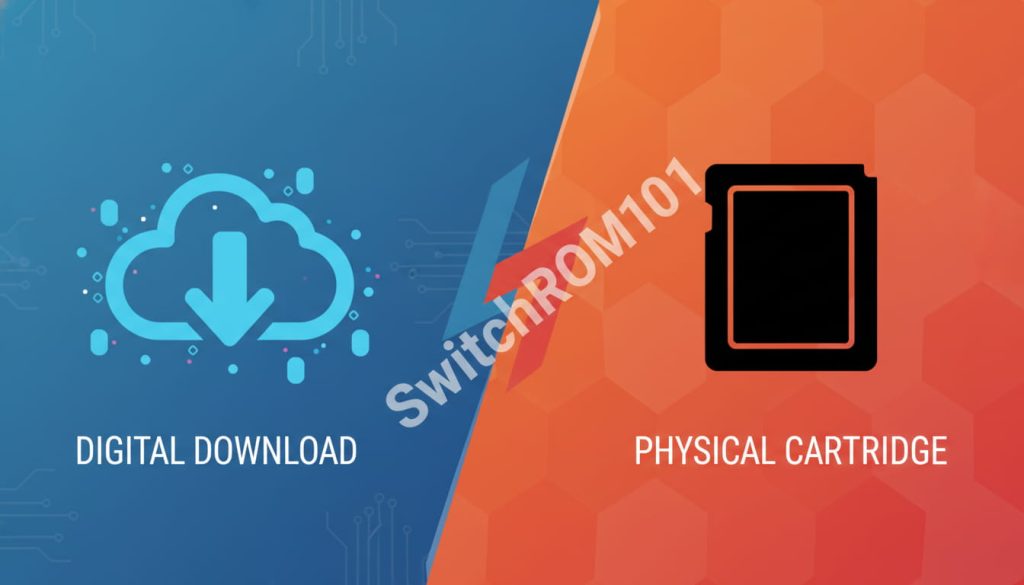
- NSP = digital download equivalent
- XCI = physical cartridge equivalent
How XCI Files Differ From NSP
XCI files typically:
- Include the full base game as it appears on a cartridge
- May be larger in size
- Reflect how games are stored on physical media
Some users prefer XCI files because they closely mirror the original physical format.
Other Switch ROM File Formats You May See
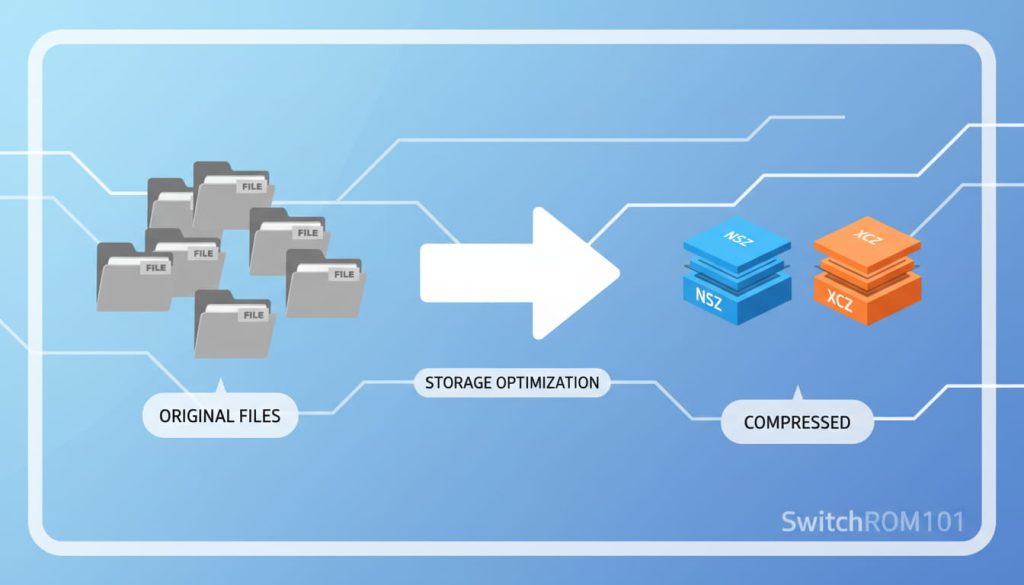
NSZ and XCZ (Compressed Formats)
These are compressed versions of NSP and XCI files. Their main purpose is to:
- Reduce file size
- Save storage space
Functionally, they contain the same game data, just packed more efficiently.
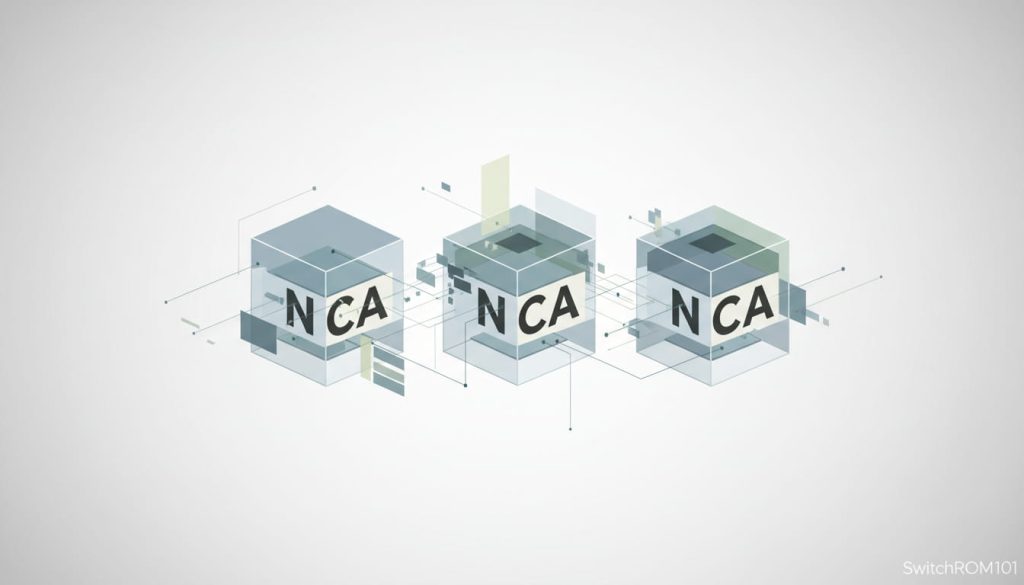
NCA Files (Internal Game Data)
NCA files are internal content files used by the system. They:
- Contain game assets and code
- Are usually not standalone games
- Appear when games are split into components
Most users don’t interact with these directly unless troubleshooting or organizing files.
Why Different Formats Exist at All
Digital vs Physical Distribution
Nintendo distributes games in different ways:
- Digitally via online stores
- Physically via cartridges
ROM formats reflect these distribution methods, which is why NSP and XCI exist separately.
Storage and Organization Needs
Different formats also exist to:
- Handle updates separately
- Support downloadable content
- Improve storage efficiency
This separation makes it easier to manage game data behind the scenes.
Do File Formats Affect Gameplay?
Gameplay Experience
When handled correctly, the gameplay itself is the same, regardless of format. The game logic, graphics, and mechanics don’t change just because the file format is different.
Compatibility and Setup Differences
Where formats do matter is in:
- How files are organized
- How updates are applied
- Storage management
That’s why you’ll often see discussions about “which format is better,” even though the game content is identical.
Common Beginner Mistakes With Switch ROM Formats
Thinking One Format Is “More Legal”
File format has nothing to do with legality. Legal status depends on ownership, distribution, and local laws—not whether a file is NSP or XCI.
Assuming All Formats Work Everywhere
Different setups may handle formats differently, which is why compatibility discussions exist. It’s not about quality—it’s about structure.
Which Format Is Better?
There’s No Universal “Best”
From long-term community experience:
- NSP files are common for digital-style setups
- XCI files mirror physical game cards
- Compressed formats save space but add complexity
The “best” format depends entirely on use case, not quality.
FAQ: Switch ROM File Formats Explained
People Also Ask
What file format are Switch ROMs?
Most Switch ROMs are in NSP or XCI format, representing digital and cartridge-based games.
What is the difference between NSP and XCI?
NSP mirrors digital downloads, while XCI mirrors physical game cartridges.
Are NSZ and XCZ different games?
No. They are compressed versions of NSP and XCI files designed to save storage space.
Do file formats affect gameplay?
No. Gameplay and performance remain the same when files are handled correctly.
Is one Switch ROM format more legal than another?
No. Legality depends on ownership and distribution, not file format.
What is the most common Switch ROM format?
NSP and XCI are the two most common formats.
Are NSP and XCI the same game content?
Yes. They usually contain the same game data but packaged differently.
Why are some files much smaller than others?
Compressed formats like NSZ or XCZ reduce file size.
Do file formats affect game performance?
No. Performance depends on the system and setup, not the format itself.
Can one format be converted into another?
Yes, formats can be converted, though structure and packaging may change.
So, what file formats are Switch ROMs?
Most commonly, they’re NSP (digital-style) and XCI (cartridge-style), with compressed and internal variants built around them. The format affects how the game is packaged, not how it plays.
Understanding these formats makes the topic far less intimidating—and helps you separate technical structure from gameplay myths.
Were you confused by NSP and XCI file names before? Share your thoughts below, or explore our related guides to better understand how Switch game files are structured.

(GameOverlord) has been involved in Nintendo Switch emulation
since 2019. She owns two Nintendo Switch consoles and a Steam Deck OLED,
and has hands-on tested over 40 Switch titles across Ryujinx and
Sudachi emulators. Her background is in consumer electronics and
she has followed emulation law developments in the US, UK, and EU
since the Yuzu shutdown in 2024. SwitchROM101 was built to fill the
gap left by misleading ROM sites — giving gamers accurate, legal,
and technically correct information without hosting any game files.