Best Controllers for Switch Emulation: Top Picks for Ultimate Gaming Experience
Switch emulation allows players to enjoy their favorite Nintendo Switch games on PC through emulators like Yuzu and Ryujinx. While emulation provides great flexibility, having the right controller can make all the difference. In this article, we’ll explore the best controllers for Switch emulation to elevate your gaming experience.
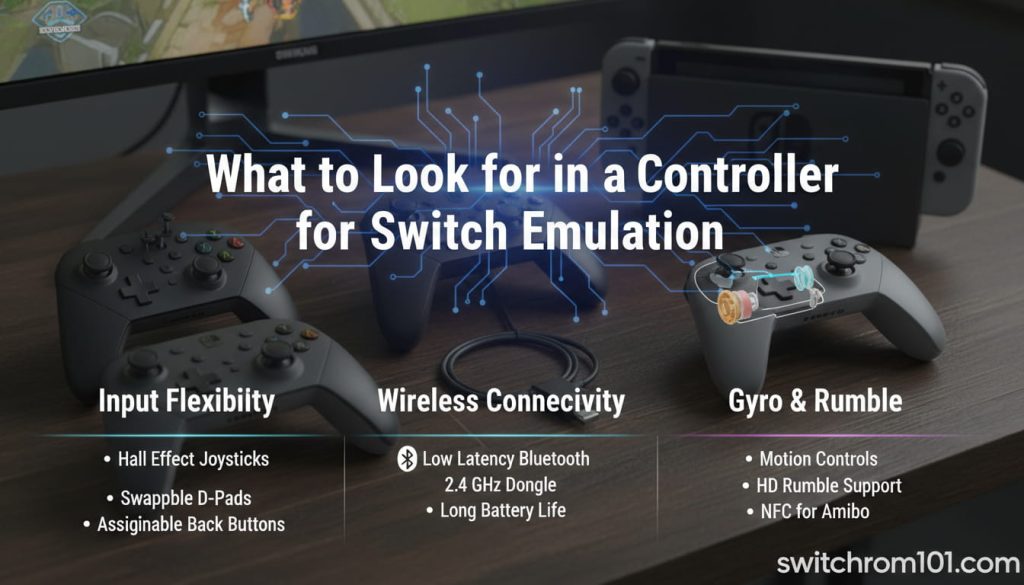
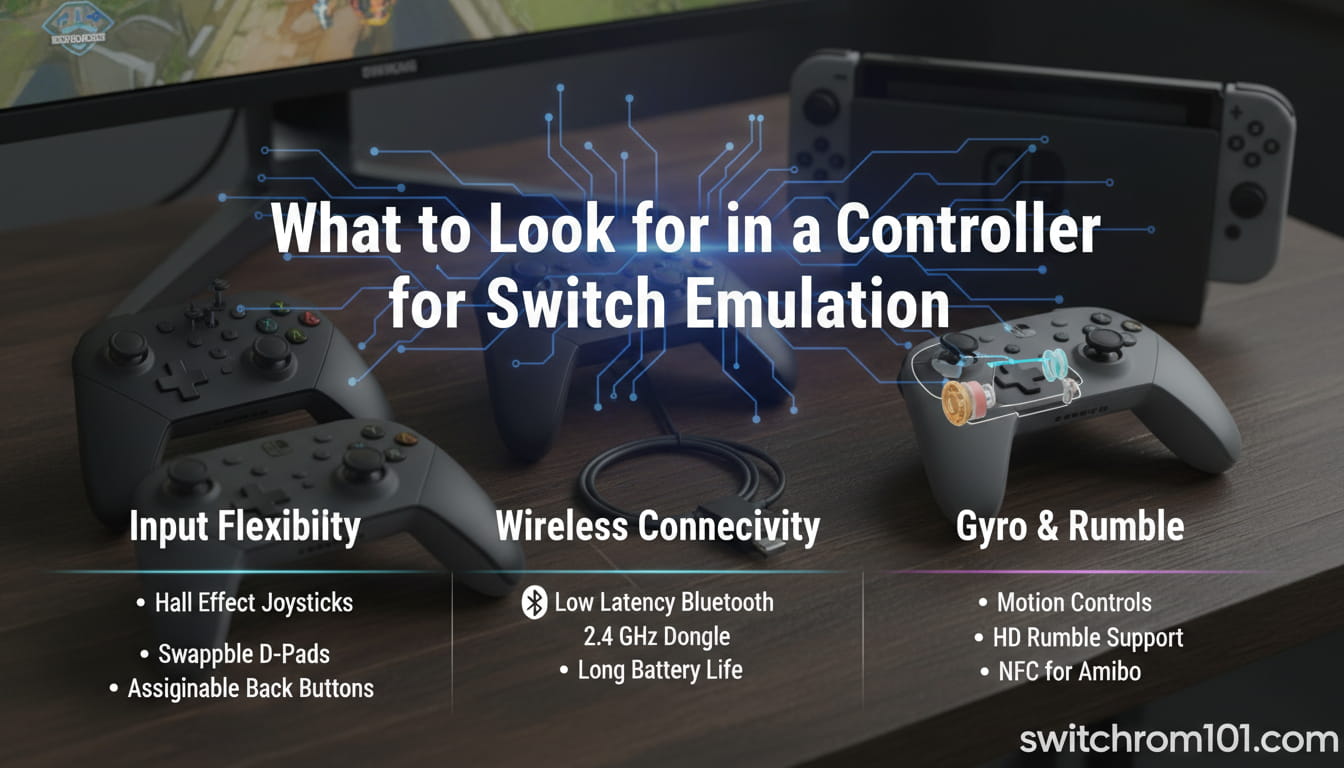
What to Look for in a Controller for Switch Emulation
Before we dive into our top picks, let’s first understand the features that make a controller great for Switch emulation.
- Compatibility: Make sure the controller works well with Yuzu and Ryujinx emulators. It should be able to map controls seamlessly.
- Comfort: Choose controllers with ergonomic designs for long gaming sessions.
- Connectivity: Wireless controllers offer more flexibility, but wired controllers can reduce input lag.
- Customizability: The best controllers allow you to customize buttons and settings to suit your gaming style.
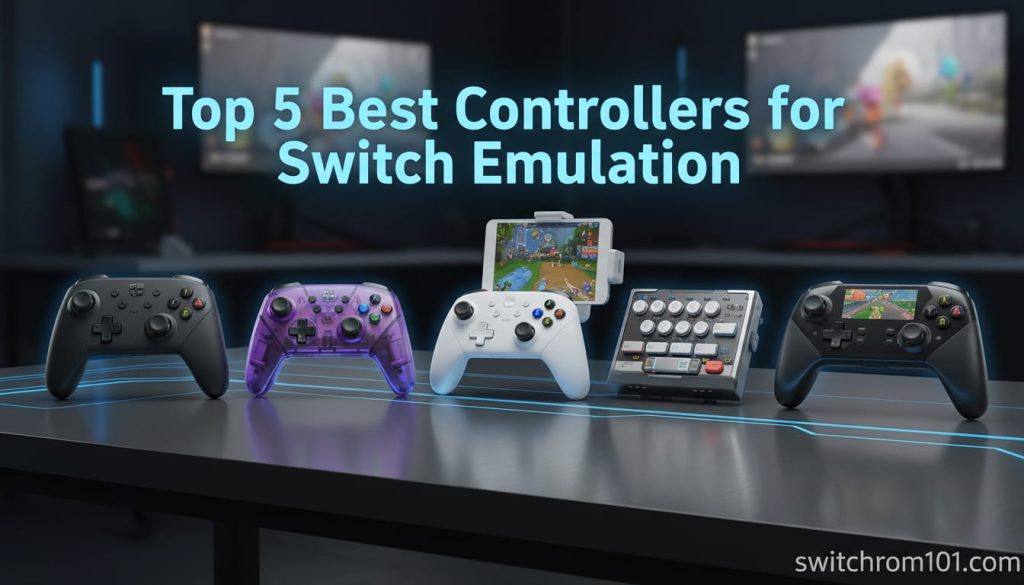
Top 5 Best Controllers for Switch Emulation
1. Nintendo Switch Pro Controller
The Nintendo Switch Pro Controller is a top choice for many emulation enthusiasts due to its seamless compatibility and excellent design.
- Pros:
- Official controller, designed by Nintendo.
- Great build quality and ergonomic design.
- Wireless connectivity via Bluetooth.
- Cons:
- Expensive compared to third-party controllers.
2. 8BitDo Pro 2
The 8BitDo Pro 2 is a versatile controller that offers excellent compatibility with multiple platforms, including PC and Switch emulators.
- Pros:
- Highly customizable buttons and profiles.
- Great battery life and wireless Bluetooth connectivity.
- Affordable with premium features.
- Cons:
- The layout may take some time to get used to for users accustomed to official controllers.
3. Xbox Series X Wireless Controller
While designed for Xbox, the Xbox Series X Wireless Controller offers fantastic compatibility with emulators like Yuzu and Ryujinx, making it an ideal choice for Switch emulation.
- Pros:
- Comfortable and ergonomic design.
- Low latency and Bluetooth support for wireless use.
- Highly durable and reliable.
- Cons:
- May require additional configuration to map buttons perfectly for Switch games.
4. Hori Onyx Wireless Controller
The Hori Onyx Wireless Controller is a budget-friendly, wireless controller that works well for Switch emulation on PC.
- Pros:
- Affordable.
- Easy to set up with Yuzu and Ryujinx.
- Comfortable grip for long gaming sessions.
- Cons:
- Lacks some premium features found in higher-end controllers.
5. Logitech F310 Gamepad
If you’re on a tight budget, the Logitech F310 Gamepad provides a solid option for Switch emulation without breaking the bank.
- Pros:
- Excellent value for money.
- Works out of the box with most emulators.
- Reliable wired connection for minimal input lag.
- Cons:
- Wired only, no wireless support.
How to Set Up Your Controller for Switch Emulation
Once you’ve chosen the best controller for your needs, follow these steps to set it up with your Switch emulator:
- Install Yuzu or Ryujinx on your PC.
- Connect your controller via Bluetooth (for wireless controllers) or USB cable (for wired controllers).
- Open the emulator and go to Input Settings.
- Map your controller buttons to the corresponding in-game actions.
Conclusion: Which Controller is Best for You?
Choosing the best controller for Switch emulation depends on your budget, preferred features, and gaming style. The Nintendo Switch Pro Controller and 8BitDo Pro 2 are excellent choices if you’re looking for seamless compatibility and premium features. For those on a budget, the Logitech F310 provides great value, while the Xbox Series X Controller offers great performance for emulation.
No matter which one you choose, a good controller will make all the difference in your Switch emulation experience.
FAQ
1. Can I use any controller for Switch emulation?
Yes, most controllers, including Xbox, PlayStation, and third-party models, are compatible with Yuzu and Ryujinx. However, controllers with customizable button layouts and low latency are recommended.
2. Is the Nintendo Switch Pro Controller the best for emulation?
The Nintendo Switch Pro Controller is one of the best options for Switch emulation due to its excellent compatibility and design. However, other controllers like the 8BitDo Pro 2 and Xbox Series X Controller offer great features at a lower price point.
3. Can I use a wireless controller with Yuzu or Ryujinx?
Yes, both Yuzu and Ryujinx support wireless controllers, including Bluetooth options like the Nintendo Switch Pro Controller and 8BitDo Pro 2.
{ “@context”: “https://schema.org”, “@type”: “FAQPage”, “mainEntity”: [ { “@type”: “Question”, “name”: “Can I use any controller for Switch emulation?”, “acceptedAnswer”: { “@type”: “Answer”, “text”: “Yes, most controllers, including Xbox, PlayStation, and third-party models, are compatible with Yuzu and Ryujinx. However, controllers with customizable button layouts and low latency are recommended.” } }, { “@type”: “Question”, “name”: “Is the Nintendo Switch Pro Controller the best for emulation?”, “acceptedAnswer”: { “@type”: “Answer”, “text”: “The Nintendo Switch Pro Controller is one of the best options for Switch emulation due to its excellent compatibility and design. However, other controllers like the 8BitDo Pro 2 and Xbox Series X Controller offer great features at a lower price point.” } }, { “@type”: “Question”, “name”: “Can I use a wireless controller with Yuzu or Ryujinx?”, “acceptedAnswer”: { “@type”: “Answer”, “text”: “Yes, both Yuzu and Ryujinx support wireless controllers, including Bluetooth options like the Nintendo Switch Pro Controller and 8BitDo Pro 2.” } } ] }Are Switch ROM Websites Safe? Risks of Malware & Scams Explained
Is Switch Emulation Legal in the US, UK & EU? A Complete Legal Guide (2026)

(GameOverlord) has been involved in Nintendo Switch emulation
since 2019. She owns two Nintendo Switch consoles and a Steam Deck OLED,
and has hands-on tested over 40 Switch titles across Ryujinx and
Sudachi emulators. Her background is in consumer electronics and
she has followed emulation law developments in the US, UK, and EU
since the Yuzu shutdown in 2024. SwitchROM101 was built to fill the
gap left by misleading ROM sites — giving gamers accurate, legal,
and technically correct information without hosting any game files.