Nintendo Switch Storage Explained: How Much You Actually Have on Each Model (2026)
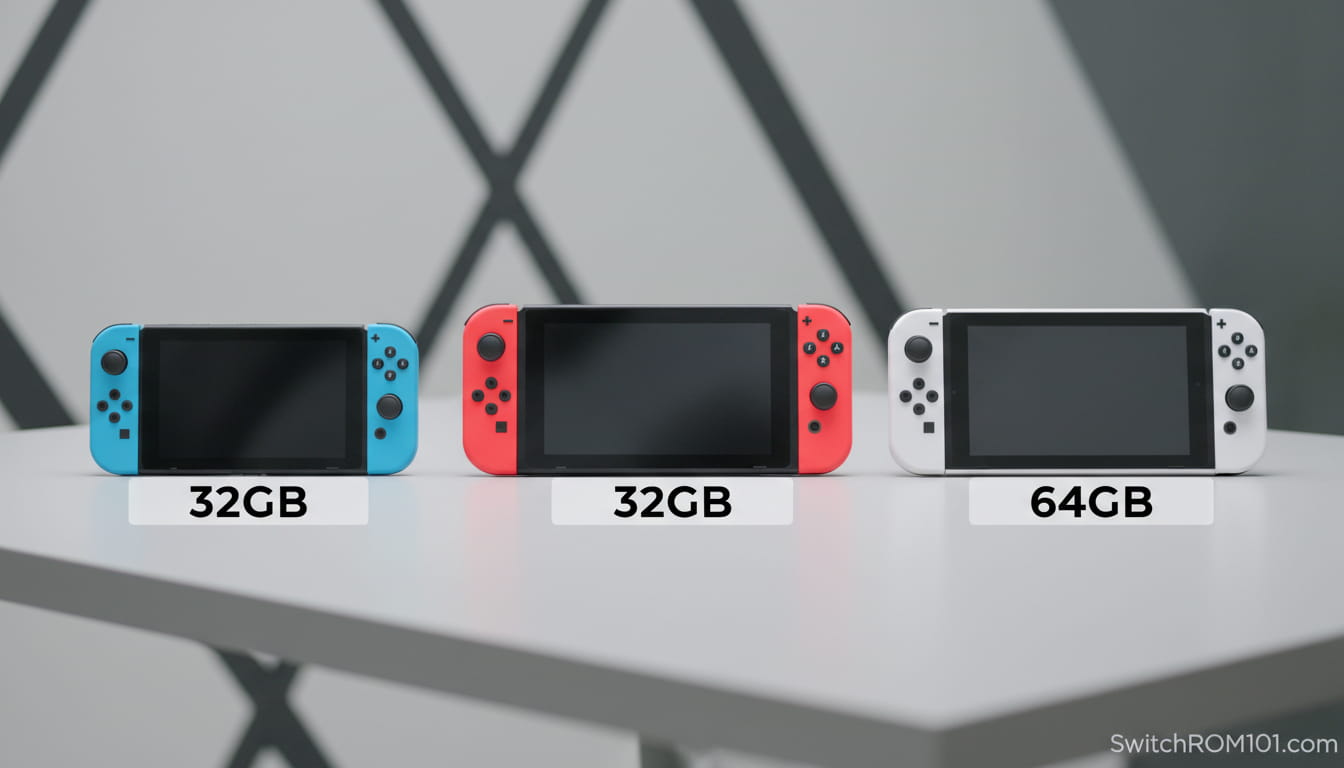
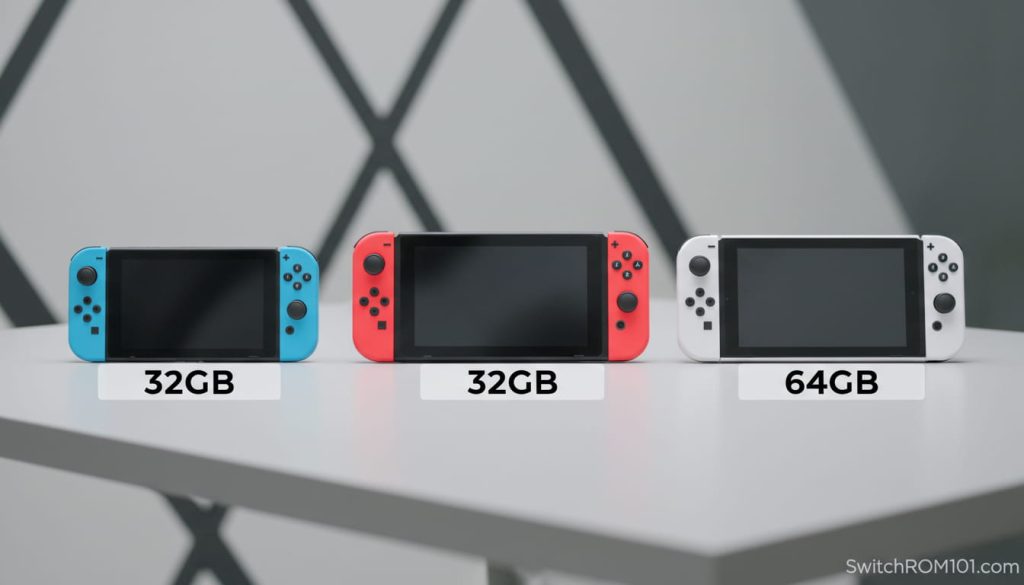
Quick answer: Switch 2 has 256GB internal storage (usable: ~220GB after system). Switch OLED has 64GB (usable: ~55-58GB). Switch and Switch Lite have 32GB (usable: ~25-28GB). All models support storage expansion, but Switch 2 requires microSD Express cards while Switch 1 models use standard microSD/SDXC cards. These two card types are not interchangeable for game storage.
Internal storage by model — what you actually get
| Model | Internal Storage | Storage Type | Approx. Usable | Expansion Card Type |
| Nintendo Switch 2 | 256 GB | UFS 3.1 (fast) | ~220 GB | microSD Express (required) |
| Nintendo Switch OLED | 64 GB | eMMC | ~55–58 GB | microSD / SDXC (up to 2TB) |
| Nintendo Switch (V1/V2) | 32 GB | eMMC | ~25–28 GB | microSD / SDXC (up to 2TB) |
| Nintendo Switch Lite | 32 GB | eMMC | ~25–28 GB | microSD / SDXC (up to 2TB) |
The “usable” figures account for the operating system (Horizon OS), system software, and pre-installed system applications. These consume approximately 3–6GB on Switch 1 models and approximately 30–36GB on Switch 2.
What takes up Nintendo Switch Storage
Understanding what storage is actually used for helps calibrate how much you need:
- Downloadable games — the largest storage consumers. Sizes vary enormously from under 1GB (small indie games) to over 100GB for large AAA titles.
- Game updates and patches — significant for large games. Breath of the Wild’s Switch 2 Edition update is several GB alone.
- DLC — adds to a game’s installed footprint.
- Save data — stored only to internal system storage. Cannot be moved to a microSD card. Nintendo Switch Online cloud save backup is separate.
- Screenshots and video captures — can be moved to microSD card. Videos are particularly large (30-second clips can be 100MB+).
- Themes and system data — minor.
Critically: save data always lives on internal storage, regardless of where the game itself is installed. If a Switch 1’s 32GB internal storage fills up completely, save creation can fail. This is why even heavy users of physical cartridges should have some internal storage headroom.
Real game sizes in 2026 — why storage matters more than ever
| Game | Approx. Size | Console | Notes |
| Final Fantasy VII Rebirth | ~102 GB | Switch 2 | Largest Switch 2 game as of early 2026 |
| Cyberpunk 2077: Ultimate Edition | ~90 GB | Switch 2 | Massive open-world title |
| Resident Evil Requiem | ~50 GB | Switch 2 | Modern AAA horror title |
| Mario Kart World | ~15 GB | Switch 2 | Nintendo first-party launch title |
| Donkey Kong Bananza | ~12 GB | Switch 2 | Nintendo first-party |
| The Legend of Zelda: TOTK | ~18 GB | Switch 1/2 | One of the largest Switch 1 releases |
| Animal Crossing: New Horizons | ~7 GB | Switch 1/2 | Popular long-term game |
| Stardew Valley | ~0.5 GB | Switch 1/2 | Typical small indie size |
On a Switch 2 with 256GB internal storage: after the operating system consumes ~36GB, you have roughly 220GB usable. That fits: FFVII Rebirth (102GB) + Cyberpunk (90GB) = 192GB. Just those two games take up most of your storage. If you plan to build a significant digital library on Switch 2, a microSD Express card is not optional — it is necessary.
The critical storage difference: Switch 1 vs Switch 2 expansion cards
This is the most important storage fact to understand in 2026, and it catches many buyers by surprise.
Nintendo Switch 1 (Switch, Switch Lite, Switch OLED) uses standard microSD cards — specifically microSD, microSDHC, and microSDXC formats. These are the same cards used in cameras, phones, and other devices. They are widely available and relatively inexpensive.
Nintendo Switch 2 uses microSD Express cards exclusively for game storage. MicroSD Express uses a PCIe/NVMe interface that delivers read speeds up to 900 MB/s — far faster than standard microSDXC’s maximum of ~200 MB/s. Switch 2 requires this speed for large AAA game data.
The consequence: your existing Switch 1 microSD card will not work for game storage on Switch 2. It can be inserted and used for screenshots and videos, but the console will not install or run games from it. You need a new microSD Express card.
Do not buy your existing Switch 1 microSD card and expect it to work for games on Switch 2. It will not. MicroSD Express cards look identical to standard microSD cards but have additional pins on the back.
How much Nintendo Switch Storage do you need? — practical guide
For Nintendo Switch 1 models:
- Physical game library only: 32GB internal is sufficient. Physical cartridges store game data on the card itself.
- Mixed physical and digital: 128–256GB microSDXC covers most libraries
- Primarily digital: 256–512GB microSDXC for comfortable headroom
- Heavy digital collectors: 512GB–1TB microSDXC
For Nintendo Switch 2:
- Mostly Nintendo first-party games digitally: 256GB internal may suffice for 10–15 games
- Including AAA third-party titles: a 256–512GB microSD Express card is recommended alongside internal storage
- Large digital library: 512GB or 1TB microSD Express
Where save data lives and why it matters
Save data is stored only on the Switch’s internal system storage — it cannot be moved to a microSD card. This applies to all Switch models including Switch 2.
If your internal storage fills completely with games (no free space), new save data creation may fail. Nintendo Switch Online subscribers can back up most save data to the cloud, but not all games support cloud saves (notably Pokémon games had cloud save restrictions for competitive fairness reasons).
Practical advice: never fill internal storage to zero. Keep at least 2–3GB free at all times to ensure save data operations work correctly.
Frequently asked questions
Can I use my Switch 1 microSD card in Switch 2? Not for games. Switch 2 requires microSD Express for game storage. Your existing Switch 1 microSDXC card can be inserted to access screenshots and videos but cannot be used for game installation or playback.
Does the Nintendo Switch come with enough storage? For Switch 1: 32GB is tight if you download games digitally. A microSD card is strongly recommended. For Switch 2: 256GB is generous for Nintendo first-party titles but fills quickly with large third-party games.
Can I move games between internal storage and a microSD card? Yes. Games can be moved between internal storage and your microSD card via System Settings → Data Management → Move to/from microSD Card. Save data stays on internal storage regardless.
Quick Answer
The Nintendo Switch has 32GB of internal storage on the Switch and Switch Lite, and 64GB on the Switch OLED. After system files, you’ll typically have about 25–28GB usable on 32GB models and 55–58GB usable on OLED. You can expand storage with a microSD card.
- Switch 1 Games on Switch 2: What Runs Better, What Needs Old Joy-Cons, What’s Broken (2026)
- Best microSD Express Cards for Switch 2 in 2026: Tested After the Firmware 22 Issue

(GameOverlord) has been involved in Nintendo Switch emulation
since 2019. She owns two Nintendo Switch consoles and a Steam Deck OLED,
and has hands-on tested over 40 Switch titles across Ryujinx and
Sudachi emulators. Her background is in consumer electronics and
she has followed emulation law developments in the US, UK, and EU
since the Yuzu shutdown in 2024. SwitchROM101 was built to fill the
gap left by misleading ROM sites — giving gamers accurate, legal,
and technically correct information without hosting any game files.