🕹️🤝🔥Best SD Card for Switch Homebrew: Top Picks for 2026
For Nintendo Switch homebrew enthusiasts, choosing the right SD card is essential for performance, storage, and reliability. Whether you’re running custom firmware (CFW), emulators, or backups, a high-quality SD card can make a big difference in the overall experience. In this article, we’ll review the best SD cards for Switch homebrew in 2026, considering factors like speed, capacity, and durability.
What to Look for in an SD Card for Switch Homebrew?
When selecting an SD card for Switch homebrew, you need to consider several factors that impact both performance and compatibility.
- Speed (Class Rating):
- UHS-I is the standard speed for Switch SD cards, but UHS-III or UHS-II cards offer faster speeds and better performance for large files.
- A Class 10 or U3 rating ensures the card supports fast write speeds for running games or homebrew software smoothly.
- Capacity:
- While the Switch supports cards up to 2TB (theoretical max), the most commonly used sizes are 128GB, 256GB, and 512GB.
- The larger the capacity, the more room you have for storing games, homebrew apps, and emulators.
- Durability:
- Look for waterproof, shockproof, and temperature-resistant cards to ensure longevity, especially if you’re using the SD card frequently with homebrew software.
- Compatibility:
- Ensure the SD card is compatible with Nintendo Switch and can handle homebrew applications like EmuMMC, Custom Firmware, and other modified applications.
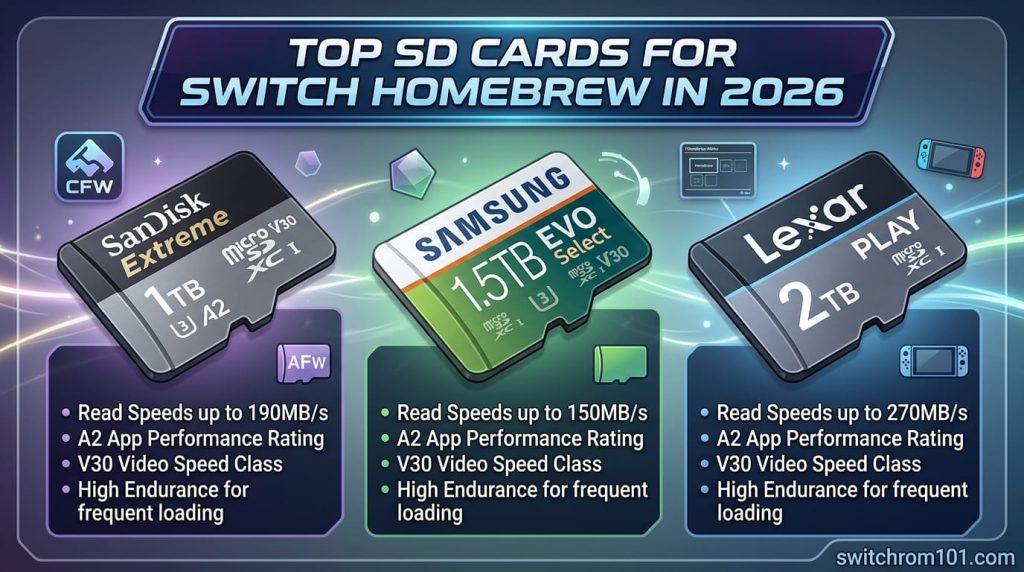
Top SD Cards for Switch Homebrew in 2026
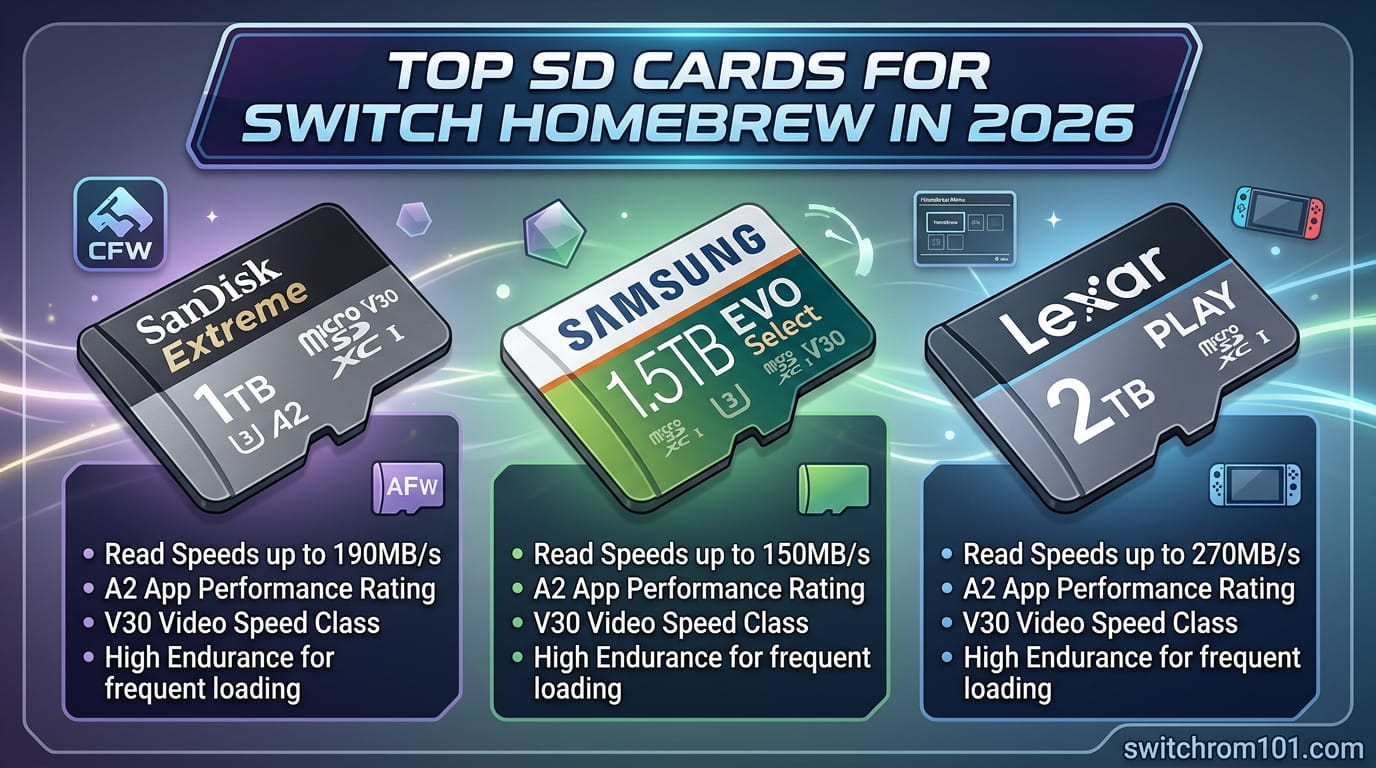
1. SanDisk Extreme 256GB MicroSDXC UHS-I
One of the most popular choices among gamers, the SanDisk Extreme is known for its high-speed performance and reliability.
- Pros:
- Read speed: Up to 160 MB/s.
- Write speed: Up to 90 MB/s, which is fast enough for most homebrew applications.
- Durable: Waterproof, shockproof, and temperature resistant.
- Perfect for 4K video recording and gaming data storage.
- Cons:
- Slightly higher price compared to some other options.
2. Samsung EVO Select 128GB MicroSDXC UHS-I
The Samsung EVO Select offers a great balance of speed, price, and capacity for Switch homebrew users.
- Pros:
- Read speed: Up to 100 MB/s.
- Write speed: Up to 90 MB/s.
- Affordable and reliable for homebrew software and game backups.
- 5-year warranty ensures longevity.
- Cons:
- Not as fast as some higher-end cards but perfect for regular homebrew usage.
3. Kingston Canvas React Plus 512GB MicroSDXC UHS-II
For those who need the fastest performance and ample storage, the Kingston Canvas React Plus offers UHS-II speeds.
- Pros:
- UHS-II speeds: Read up to 300 MB/s, Write up to 260 MB/s.
- Ideal for heavy Switch homebrew applications and emulators.
- Durability: Shockproof, waterproof, and temperature-resistant.
- Large 512GB capacity for storing multiple games and emulators.
- Cons:
- Expensive compared to other cards with lower speeds.
4. Lexar Professional 1000x 256GB MicroSDXC UHS-II
The Lexar Professional 1000x is perfect for those seeking a balance of high speed and affordability.
- Pros:
- UHS-II speed for faster reading and writing of large files.
- Read speed: Up to 150 MB/s.
- Ideal for both game storage and homebrew applications.
- Affordable price for the performance it offers.
- Cons:
- Write speed could be better for very demanding use cases.
5. PNY Elite-X 128GB MicroSDXC UHS-I
A more budget-friendly option, the PNY Elite-X provides good performance for users who are looking to run homebrew apps without breaking the bank.
- Pros:
- Read speed: Up to 100 MB/s.
- Write speed: Up to 80 MB/s.
- Affordable, making it a great option for casual homebrew users.
- Reliable and durable.
- Cons:
- Slower than high-end models like UHS-II cards.
Best GPU for Running Yuzu in 2026: Top Picks for High-Performance Emulation
How to Choose the Best SD Card for Switch Homebrew?
Here’s a quick guide to help you decide:
- Best for Speed and Performance: Choose Kingston Canvas React Plus 512GB UHS-II or Samsung EVO Select 128GB UHS-I for speed and reliability.
- Best for Value: PNY Elite-X 128GB offers great value at a lower price point, ideal for moderate homebrew users.
- Best for Large Storage: If you need massive storage, go for Kingston Canvas React Plus 512GB or SanDisk Extreme 256GB.
Formatting Your SD Card for Homebrew:
- Back up your data on the SD card.
- Use FAT32 (for 32GB or lower) or exFAT (for higher than 32GB) for Switch compatibility.
- Install Homebrew Menu, EmuMMC, and your desired custom firmware once the card is formatted.
Conclusion: Best SD Card for Switch Homebrew
When selecting the best SD card for Switch homebrew, speed, storage capacity, and reliability are key factors. The SanDisk Extreme 256GB and Kingston Canvas React Plus 512GB are great choices for those who want both performance and capacity. For users on a budget, the Samsung EVO Select and PNY Elite-X offer excellent value.
Choose the card that fits your Switch homebrew needs and enjoy the flexibility and customization that homebrew offers!
FAQ
1. What size SD card do I need for Switch homebrew?
For homebrew and game backups, a card with at least 128GB of storage is recommended, but 256GB or 512GB will give you more room for apps and games.
2. Can I use any microSD card for Switch homebrew?
While any microSD card can technically work, UHS-I or UHS-II cards with Class 10 or U3 ratings provide the best performance for running homebrew apps smoothly.
3. Should I choose UHS-I or UHS-II for homebrew?
UHS-I is sufficient for most users, but if you plan to run multiple emulators and large game files, UHS-II cards offer faster speeds.
{ “@context”: “https://schema.org”, “@type”: “FAQPage”, “mainEntity”: [ { “@type”: “Question”, “name”: “What size SD card do I need for Switch homebrew?”, “acceptedAnswer”: { “@type”: “Answer”, “text”: “For homebrew and game backups, a card with at least 128GB of storage is recommended, but 256GB or 512GB will give you more room for apps and games.” } }, { “@type”: “Question”, “name”: “Can I use any microSD card for Switch homebrew?”, “acceptedAnswer”: { “@type”: “Answer”, “text”: “While any microSD card can technically work, UHS-I or UHS-II cards with Class 10 or U3 ratings provide the best performance for running homebrew apps smoothly.” } }, { “@type”: “Question”, “name”: “Should I choose UHS-I or UHS-II for homebrew?”, “acceptedAnswer”: { “@type”: “Answer”, “text”: “UHS-I is sufficient for most users, but if you plan to run multiple emulators and large game files, UHS-II cards offer faster speeds.” } } ] }Best Controllers for Switch Emulation: Top Picks for Ultimate Gaming Experience

(GameOverlord) has been involved in Nintendo Switch emulation
since 2019. She owns two Nintendo Switch consoles and a Steam Deck OLED,
and has hands-on tested over 40 Switch titles across Ryujinx and
Sudachi emulators. Her background is in consumer electronics and
she has followed emulation law developments in the US, UK, and EU
since the Yuzu shutdown in 2024. SwitchROM101 was built to fill the
gap left by misleading ROM sites — giving gamers accurate, legal,
and technically correct information without hosting any game files.