Nintendo Switch microSD Cards: Which Type You Need for Switch 1 vs Switch 2 (2026 Guide)
Quick answer: Nintendo Switch 1 (all models) uses standard microSDXC cards — recommend UHS-I with U3/V30 rating. Nintendo Switch 2 uses microSD Express ONLY for game storage — standard microSD cards cannot be used for games on Switch 2. These are different product categories. Do not buy a Switch 1 card expecting it to expand Switch 2 game storage.
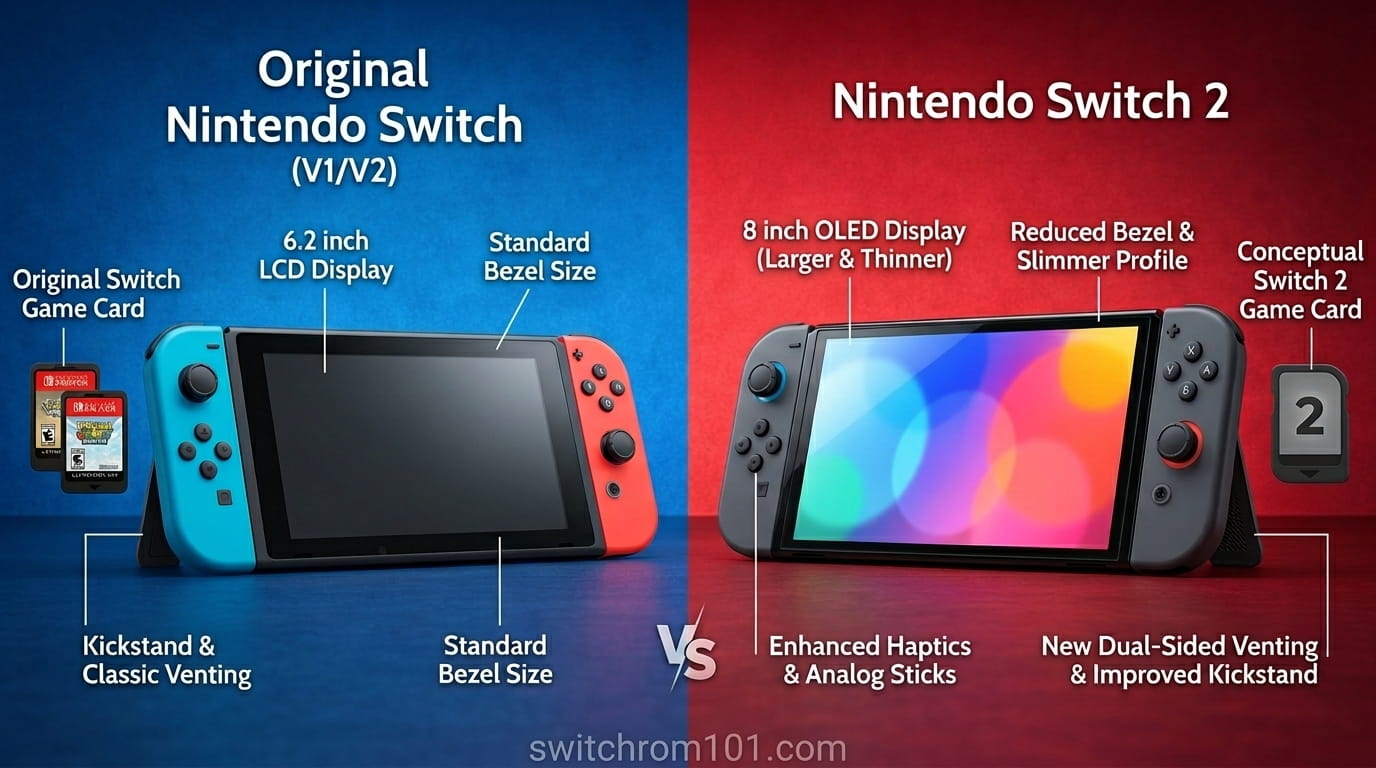
Switch 1 vs Switch 2 — two completely different requirements
The biggest microSD card mistake buyers make in 2026 is assuming the same card works for both Switch generations. It does not. Nintendo changed to a new storage standard with Switch 2, and the two are fundamentally incompatible for game storage purposes.
| Specification | Nintendo Switch 1 (all models) | Nintendo Switch 2 |
| Card type for games | microSD / microSDHC / microSDXC | microSD Express ONLY |
| Interface | UHS-I (bus speed ~104 MB/s max) | PCIe/NVMe via microSD Express |
| Max read speed (card) | ~200 MB/s real-world (UHS-I) | Up to 900 MB/s |
| Max supported capacity | 2TB (theoretical) | 2TB (theoretical, 1TB currently available) |
| Recommended speed class | UHS-I, U3, V30 | Any microSD Express (all perform similarly) |
| Old card works for game storage? | N/A (no previous gen) | NO — only photos/videos |
| Price (256GB, approx.) | $15–$30 | $35–$60 |
Nintendo Switch 1 microSD cards — what to buy
For the original Switch, Switch Lite, and Switch OLED, you need a standard microSDXC card. The Switch supports microSD (up to 2GB), microSDHC (4–32GB), and microSDXC (64GB and above). In practice, any card 64GB or larger will be microSDXC.
The right speed specification for Switch 1
Nintendo’s official guidance specifies 60–95 MB/s transfer speed for optimal Switch performance. In card terms, look for:
- UHS Speed Class: UHS-I (designated by “I” on the card)
- Speed Class: U3 (three parallel lines) — ensures minimum 30 MB/s write speed
- Video Speed Class: V30 — equivalent to U3, confirms 30 MB/s sustained write
- Application Performance Class: A1 or A2 — useful but not critical for Switch
What you do NOT need for Switch 1: UHS-II cards. UHS-II has a second row of pins for higher speeds, but the Switch 1’s card reader only operates at UHS-I speeds. Buying a UHS-II card for Switch 1 is unnecessary — it will run at UHS-I speeds regardless and you pay a premium for speed the Switch cannot use.
Best microSD cards for Switch 1 — 2026
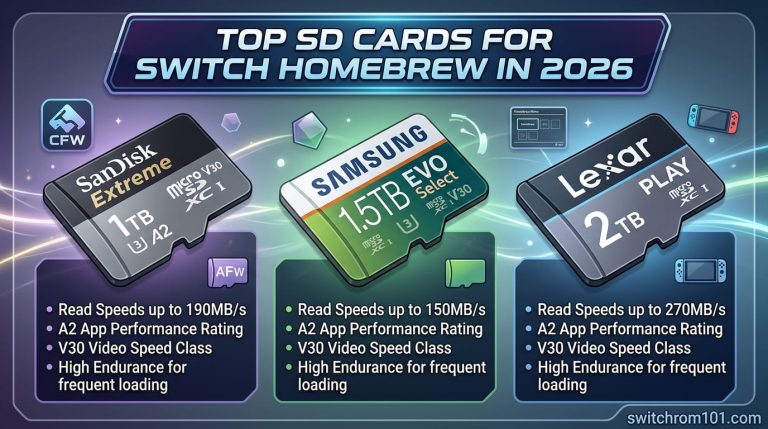
- SanDisk Extreme microSDXC (officially licensed for Nintendo Switch) — available up to 1TB, 190 MB/s read. The officially-licensed SanDisk card is the safest choice for maximum compatibility.
- Samsung EVO Select microSDXC — excellent value, widely available, up to 1TB, 160 MB/s read.
- Kingston Canvas Go Plus — fast sequential reads, good value for larger capacities.
- Amazon Basics microSDXC — budget option, adequate for Switch 1 performance requirements.
Recommended capacity for Switch 1
- Physical-only player: 64–128GB is sufficient (stores screenshots, updates, small downloads)
- Mixed physical and digital: 256GB covers most libraries comfortably
- Primarily digital: 512GB provides generous headroom
- Heavy digital collector: 1TB for maximum flexibility
Nintendo Switch 2 microSD Express cards — what to buy
Switch 2 is the only consumer device currently that uses microSD Express for game storage. Nintendo confirmed: “Nintendo Switch 2 is only compatible with microSD Express cards. microSD Express cards are faster at reading and writing data compared to microSD cards.” A system firmware update is required the first time you use a microSD Express card.
MicroSD Express uses the PCIe/NVMe interface — the same technology used in SSDs — delivering significantly higher speeds than standard microSD. In real-world Switch 2 testing by Engadget, all major microSD Express brands loaded Mario Kart World in 18–20 seconds and Cyberpunk 2077 in ~38 seconds with minimal differences between brands.
Does brand matter for Switch 2 microSD Express?
After benchmarking multiple microSD Express cards in Switch 2, Engadget concluded: “Get whichever one is in stock for the lowest price in the capacity you want.” The load time differences between brands are minimal in real gameplay — typically 1–2 seconds. The more important factors are capacity, warranty, and price per GB.
The one meaningful exception: card-to-console transfer speeds do vary more noticeably. If you frequently move large games between the card and internal storage, faster cards save meaningful time. PNY’s 1TB card was notably slower at writing games to the card (7 minutes 11 seconds for a 22GB file vs 4 minutes 39 seconds for SanDisk).
Best microSD Express cards for Switch 2 — 2026
- Samsung PRO Plus microSD Express — reliable, widely available, consistent performance. 256GB and 512GB are the most common purchases.
- SanDisk microSD Express — competitive performance, particularly strong transfer speeds in Engadget benchmarks.
- Lexar Play Pro — fastest sequential writes in benchmark testing, good for users who frequently move games between storage locations.
- GameStop / Onn branded cards — rebadged versions of other manufacturers, competitively priced, adequate performance.
Firmware 22.0.0 warning (March 2026): Some PNY 1TB microSD Express cards stopped being recognised after the March 16 firmware update. PNY released a firmware fix tool at pny.com/consumer/1tb-microsd-express-firmware. Check current community reports before purchasing a 1TB PNY card.
Recommended capacity for Switch 2
- Casual player (mostly Nintendo first-party): 256GB internal may suffice for a while; a 128–256GB Express card as overflow
- Mixed library including AAA third-party: 512GB microSD Express is the sweet spot
- Heavy digital library or multiple 90GB+ games: 1TB microSD Express
How to install a microSD card on Switch 1 and Switch 2
Switch 1 (all models)
- Power off the console or put it to sleep. For Switch: card slot is on the bottom edge. For Switch Lite and OLED: card slot is under the kickstand on the back.
- Insert the card with the gold contacts facing toward the screen. Push in until you hear a click.
- Power on. If using a new microSDXC card for the first time, Switch may require a system update.
- The card appears immediately in System Settings → Data Management.
Switch 2
- Power off the Switch 2 fully (hold power → Power Off).
- Open the kickstand on the back. The microSD slot is on the right side under the kickstand.
- Insert the card with the label text facing upward (toward you). Push until you hear a click.
- Power on. A firmware update via internet is required the first time a microSD Express card is used on Switch 2.
- The console prompts you to confirm using the card for game storage.
Frequently asked questions
Can I use my Switch 1 microSD card in Switch 2?
Not for game storage. Switch 2 requires microSD Express for games. You can insert your old card to view screenshots and videos, but cannot install or play games from it.
Do microSD Express cards work in Switch 1?
Yes — they physically fit and work in Switch 1, but they run at standard UHS-I speeds. You pay microSD Express prices for standard microSD performance on Switch 1.
How much does a Switch 2 microSD Express card cost?
As of April 2026: 128GB ~$25–35, 256GB ~$35–55, 512GB ~$60–90, 1TB ~$130–200. Prices are higher than standard microSD due to newer technology and current market conditions.

(GameOverlord) has been involved in Nintendo Switch emulation
since 2019. She owns two Nintendo Switch consoles and a Steam Deck OLED,
and has hands-on tested over 40 Switch titles across Ryujinx and
Sudachi emulators. Her background is in consumer electronics and
she has followed emulation law developments in the US, UK, and EU
since the Yuzu shutdown in 2024. SwitchROM101 was built to fill the
gap left by misleading ROM sites — giving gamers accurate, legal,
and technically correct information without hosting any game files.