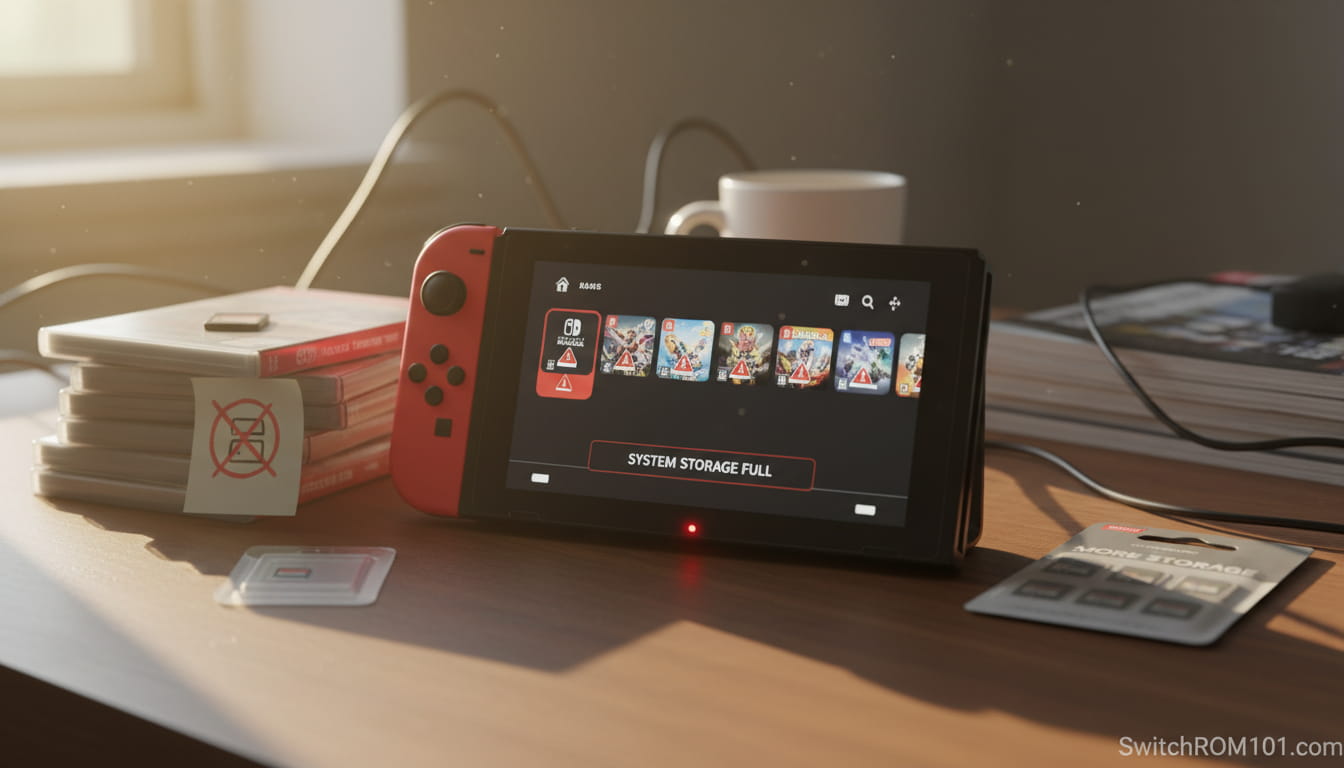
Nintendo Switch microSD Cards: Which Type You Need for Switch 1 vs Switch 2 (2026 Guide)
The Nintendo Switch is a versatile gaming console that has been designed to meet the needs of both casual and hardcore gamers. Whether you’re playing home console games on your TV or enjoying handheld gaming on the go, the Switch offers the flexibility to expand its storage to accommodate your growing game library.
One of the most convenient ways to increase your Nintendo Switch’s storage is by using a microSD card. But does the Switch support microSD cards, and how do you use them effectively? Let’s dive into the details.
Quick Answer
Yes. The Nintendo Switch supports microSD cards to expand storage for digital games, DLC, screenshots, and updates. For best results, use a microSDXC UHS-I (U3 recommended) card.
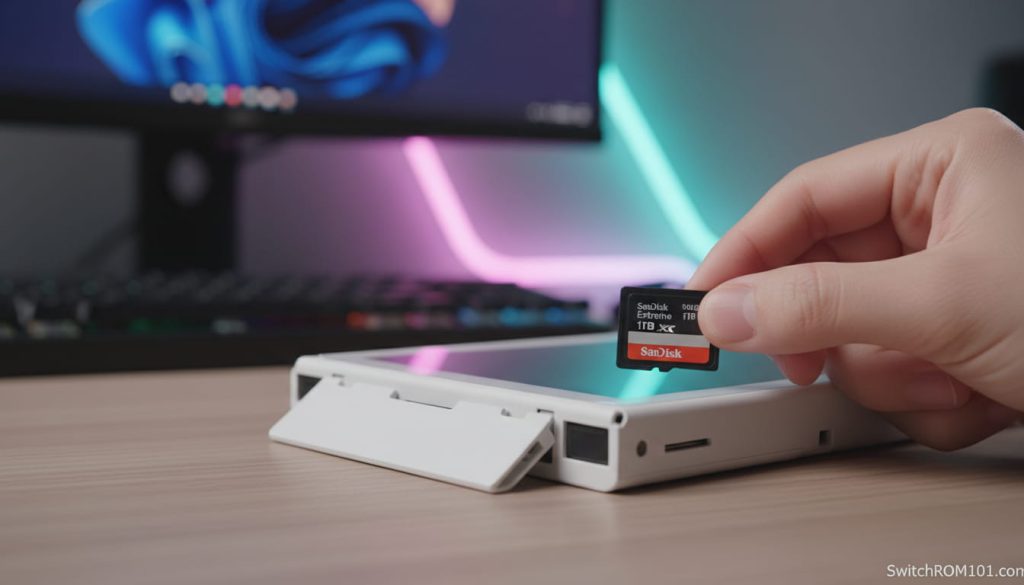
Does the Nintendo Switch Support microSD Cards?
Yes, Nintendo Switch consoles support microSD cards for expanding storage. The Switch comes with 32GB of internal storage for the original model and 64GB for the Switch OLED, but many players find that they need more space to download additional games, DLC, and updates. This is where microSD cards come in handy. The Switch has a dedicated microSD card slot to let you easily add more storage.
1. What Type of microSD Cards Are Compatible with Nintendo Switch?
The Nintendo Switch supports microSD cards of different types and capacities, making it easy for users to choose the right card for their storage needs.
1.1. microSD Card Types
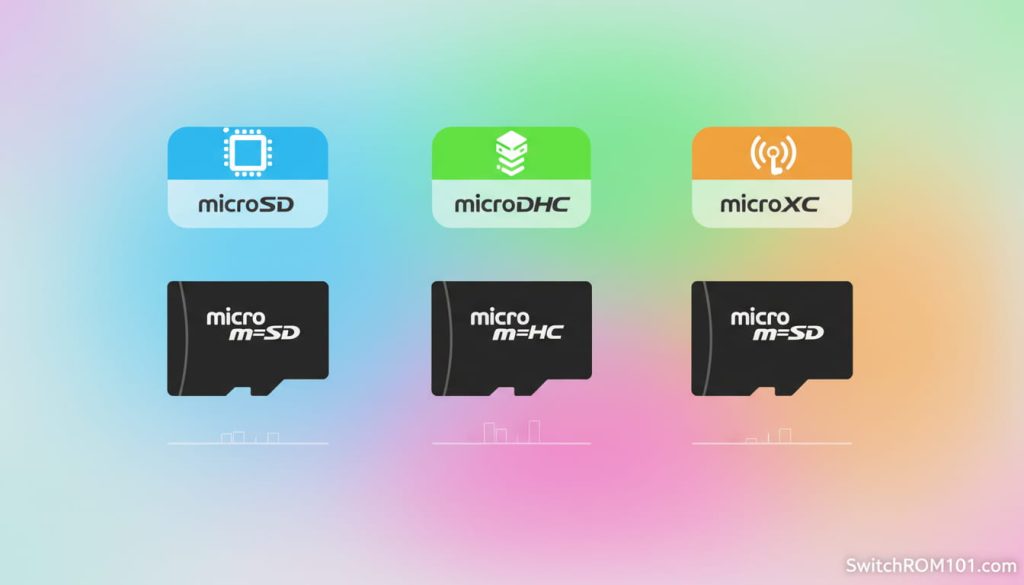
The Nintendo Switch is compatible with three types of microSD cards:
- microSD: The standard type of microSD card. It offers moderate speeds but may not be ideal for faster, more demanding applications.
- microSDHC (High Capacity): microSDHC cards have capacities ranging from 4GB to 32GB and offer improved performance compared to standard microSD cards.
- microSDXC (Extended Capacity): microSDXC cards are the best choice for the Switch since they offer high capacity options, from 64GB all the way up to 2TB.
The microSDXC cards are the preferred option for players who want to store a large number of games and DLC on their Switch.
1.2. UHS-I Cards
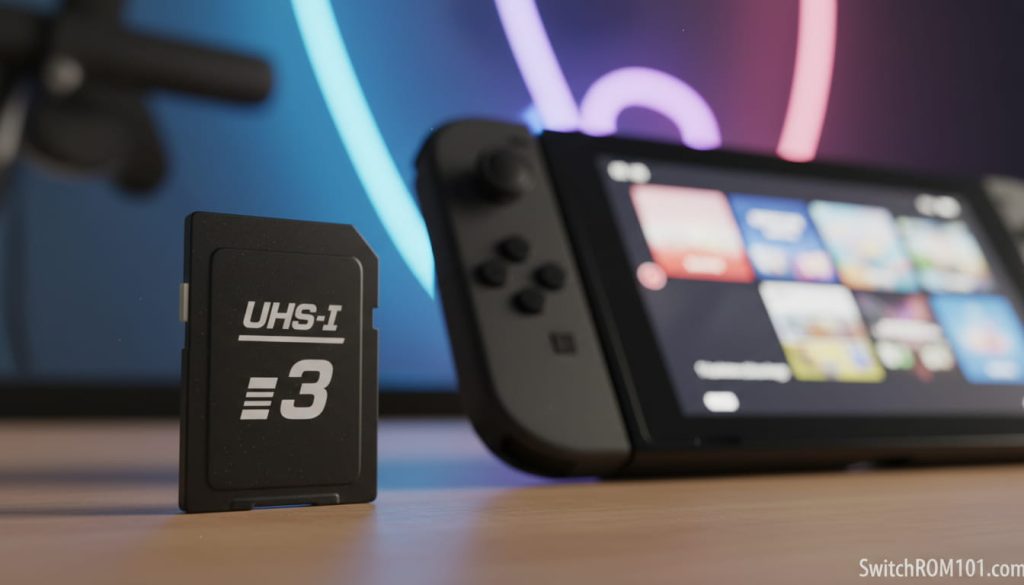
The Nintendo Switch works best with UHS-I (Ultra High Speed) rated microSD cards, especially those with UHS-I U3 speed for faster read and write speeds. While UHS-II cards are available, UHS-I cards are the most commonly recommended for Switch use because they provide the right balance of speed and affordability.
Key Point: For optimal performance, use a microSD card with a UHS-I speed rating of U3 for the best load times and performance in games.
2. How to Insert a microSD Card into Your Nintendo Switch
2.1. Finding the microSD Slot
The microSD card slot is located on the bottom of your Nintendo Switch console, underneath the kickstand (for the Switch OLED and original Switch models). The Switch Lite also has a similar placement.
Here’s how to insert the microSD card:
- Power off your Switch: Before inserting or removing any card, it’s always a good idea to power off your Switch to prevent any data corruption.
- Lift the Kickstand (for Docked Mode): If you’re using the original Switch or Switch OLED, open the kickstand at the back of the console to access the microSD card slot.
- Insert the Card: Carefully insert the microSD card into the slot with the label side facing outward.
- Turn On the Console: Once the microSD card is properly inserted, turn the console back on.
Key Point: Always use a UHS-I or microSDXC card for faster performance, especially for larger game files and updates.
3. How to Use the microSD Card on Nintendo Switch
3.1. Managing Storage on the Switch
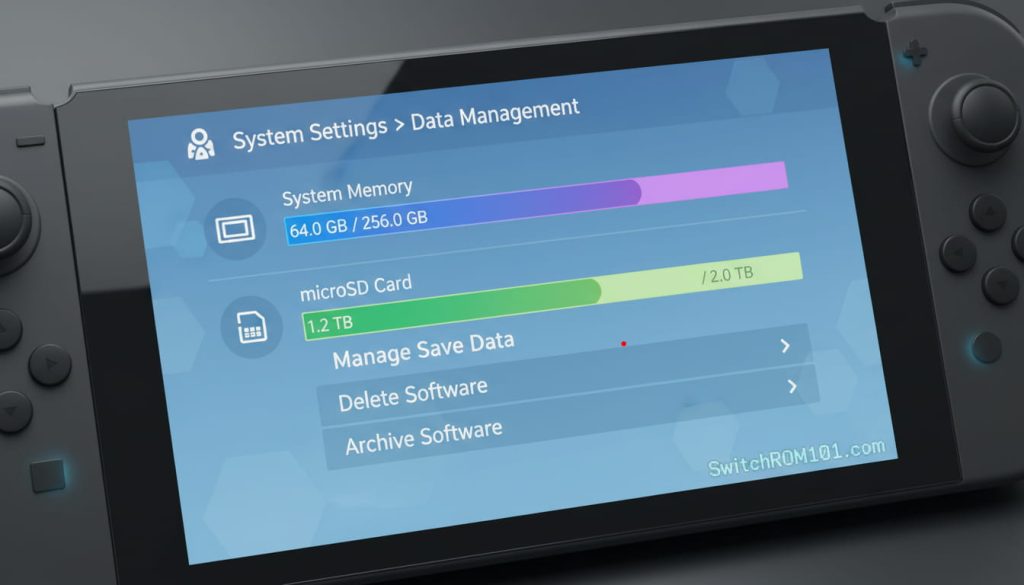
Once you’ve inserted your microSD card, the Nintendo Switch should automatically recognize the new storage. To check the available storage and manage your games, follow these steps:
- Go to System Settings: On the Home Menu, go to System Settings.
- Select Data Management: Scroll down to Data Management to view how much storage is available and manage your games.
- Move Games: If you have limited internal storage, you can move games between the microSD card and internal storage to free up space.
Key Point: It’s a good idea to use the microSD card for downloading and storing games, while keeping the internal storage for system updates and essential files.
3.2. Using microSD Card for Digital Downloads
After inserting your microSD card, any digital games you purchase or download from the Nintendo eShop will automatically be stored on the microSD card (if it has enough free space).
- Moving Game Data: You can move existing downloaded games from internal storage to the microSD card to free up space.
Key Point: The microSD card is perfect for digital downloads, DLC, and updates. Use it for large games like The Witcher 3 and DOOM Eternal that take up significant space.
- Switch 1 Games on Switch 2: What Runs Better, What Needs Old Joy-Cons, What’s Broken (2026)
- Best microSD Express Cards for Switch 2 in 2026: Tested After the Firmware 22 Issue
4. How Much Storage Should You Get for Your Nintendo Switch?
4.1. Recommended microSD Card Sizes
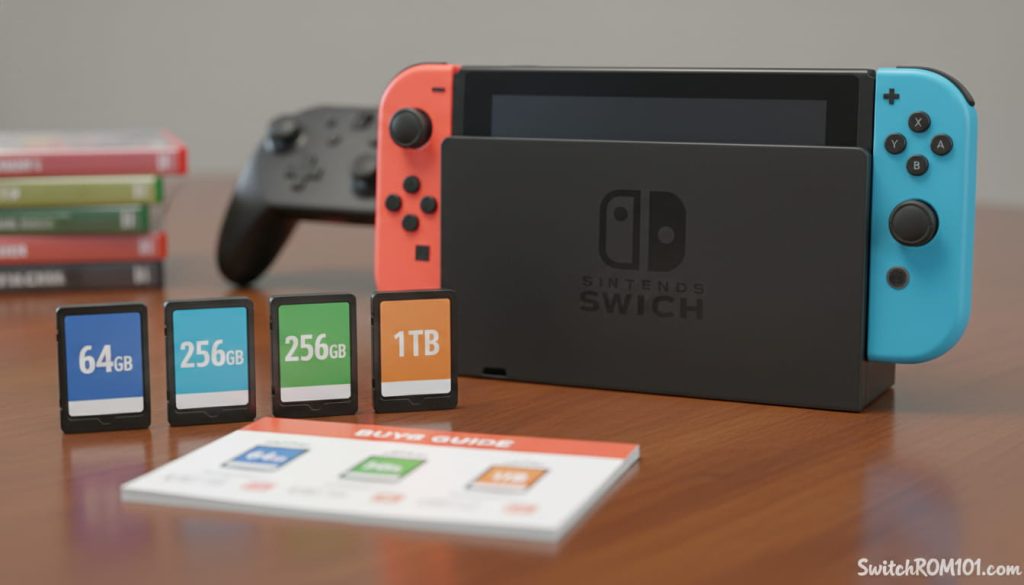
The Nintendo Switch can support microSD cards from 32GB to 2TB, but for most users, a 64GB to 256GB card should suffice. Here’s what you can expect:
- 64GB microSD card: Ideal for casual gamers who want to store a few games and DLC.
- 128GB to 256GB microSD card: A great option for gamers who want to store several AAA games without worrying about running out of space.
- 512GB or 1TB microSD card: Perfect for hardcore gamers or those who download large games regularly. These cards offer the maximum flexibility for storing a large game library.
4.2. What Size Should You Buy?
For most players, a 128GB to 256GB microSD card is a solid middle ground that offers plenty of storage without breaking the bank. If you plan on downloading a large number of AAA titles, opting for a 512GB or 1TB card might be worthwhile, especially for Switch OLED users who play mainly in handheld mode.
Key Point: The larger microSD cards (256GB and above) are ideal if you have a big game library or plan on downloading many digital games and DLC.
FAQ: Does the Nintendo Switch Support microSD Cards?
1. What is the maximum size of microSD cards supported by Nintendo Switch?
The Nintendo Switch supports microSD cards up to 2TB, though cards over 1TB are currently not widely available for consumer use.
2. Can I use any microSD card with my Nintendo Switch?
The Nintendo Switch supports microSD, microSDHC, and microSDXC cards. It is recommended to use a UHS-I U3 microSD card for optimal performance, especially when downloading larger games.
3. How do I format a microSD card for Nintendo Switch?
If your microSD card isn’t recognized, you can format it through System Settings > Data Management > Format microSD Card. Keep in mind that formatting the card will erase all data on it, so make sure to back up any important files first.
4. Can I move games from internal storage to a microSD card?
Yes, you can move games and DLC from internal storage to your microSD card. This can be done in System Settings > Data Management.
5. Does the Nintendo Switch work with UHS-II microSD cards?
While the Nintendo Switch works best with UHS-I cards, it is compatible with UHS-II cards. However, you won’t experience any significant performance improvement from UHS-II cards since the Switch is designed to work with UHS-I speeds.
Yes, the Nintendo Switch supports microSD cards and allows players to expand storage for digital games, DLC, and updates. With support for microSD, microSDHC, and microSDXC cards, the Switch offers great flexibility in terms of storage options. Whether you’re playing small indie games or large AAA titles, you can easily increase your storage capacity by inserting a microSD card, ensuring you always have room for your favorite games.
Have you upgraded your Nintendo Switch’s storage with a microSD card? Share your experience and storage tips in the comments below! For more guides on Switch accessories, game management, and expanding storage, check out our other articles!

(GameOverlord) has been involved in Nintendo Switch emulation
since 2019. She owns two Nintendo Switch consoles and a Steam Deck OLED,
and has hands-on tested over 40 Switch titles across Ryujinx and
Sudachi emulators. Her background is in consumer electronics and
she has followed emulation law developments in the US, UK, and EU
since the Yuzu shutdown in 2024. SwitchROM101 was built to fill the
gap left by misleading ROM sites — giving gamers accurate, legal,
and technically correct information without hosting any game files.