Is Nintendo Switch 2 Backwards Compatible? Full Answer + Exceptions (2026)
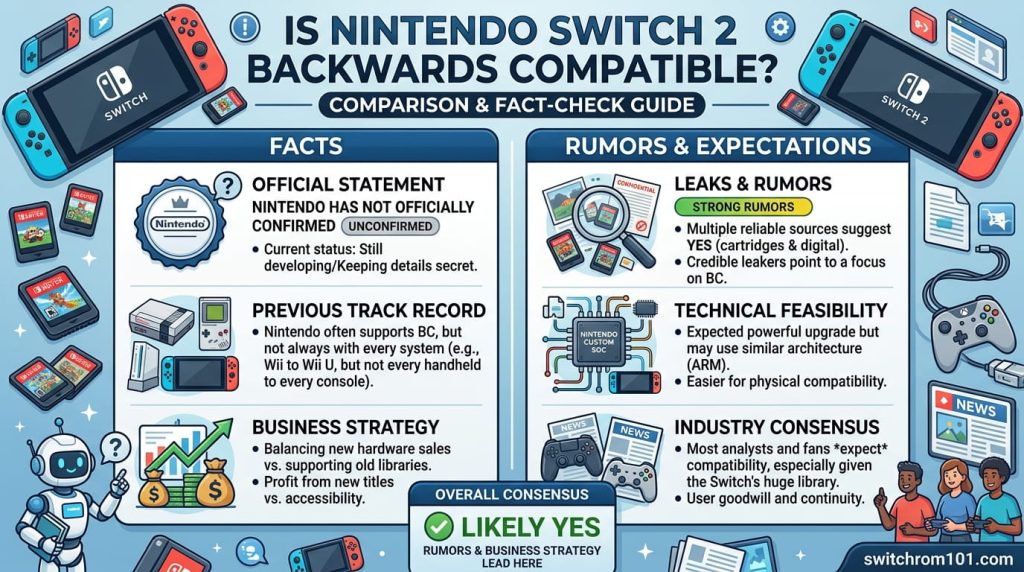
Quick answer: yes, with a small number of exceptions
The Nintendo Switch 2 is backwards compatible with the vast majority of Nintendo Switch 1 physical and digital games. You can insert original Switch cartridges into the Switch 2 and they will play. Your digital game library transfers to the new console. Only one game is completely unplayable — Nintendo Labo Toy-Con 04: VR Kit — and that is due to the Switch 2 tablet being physically too large to fit inside the VR goggles accessory.
A small number of games require you to use original Switch Joy-Cons (not Joy-Con 2) due to features like IR cameras. Several streaming apps including Crunchyroll and Hulu are also incompatible.
The complete exceptions list
Games that CANNOT be played on Switch 2
- Nintendo Labo Toy-Con 04: VR Kit (physical size incompatibility — console does not fit into the goggles)
Games that require original Switch Joy-Cons (not Joy-Con 2)
These games rely on Joy-Con features not present in Joy-Con 2 (IR camera, specific motion sensors, accessory compatibility):
- Ring Fit Adventure — Joy-Con 2 does not fit the Ring-Con accessory
- 1-2-Switch
- Everybody 1-2-Switch
- Game Builder Garage (IR camera features)
- Nintendo Switch Sports (soccer requires original leg strap)
- WarioWare: Move It!
- Nintendo Labo Toy-Con 01: Variety Kit
- Nintendo Labo Toy-Con 02: Robot Kit
- Nintendo Labo Toy-Con 03: Vehicle Kit
�� Original Switch Joy-Cons connect wirelessly to Switch 2, so all these games are still playable — you just cannot use Joy-Con 2 controllers with them.
Apps that are NOT compatible
- Crunchyroll
- Hulu
- Inkypen (comic reading app)
�� Nintendo is actively working on compatibility updates for streaming apps. This list may change.
Third-party games with launch issues (mostly resolved)
At the Switch 2 launch on June 5, 2025, approximately 150 third-party games had startup issues on the Switch 2. Notable games included Doom Eternal, Final Fantasy (classic), NBA 2K25, Alan Wake Remastered, Nier Automata, and Alien: Isolation. The majority of these have since been patched by their respective developers.
Nintendo tracks all compatibility issues on their official game compatibility page at nintendo.com, which is updated regularly.
Switch 1 games that run BETTER on Switch 2
Backwards compatibility on Switch 2 is not just “it works” — many Switch 1 games actively run better on the new hardware thanks to improved processing power and free updates. Nintendo and third-party developers have released free performance upgrades for a number of titles, including:
- Super Mario Odyssey — improved frame rate stability
- Pokémon Scarlet and Violet — frame rate improvements
- Splatoon 3 — performance upgrades
- Super Smash Bros. Ultimate — faster load times (tested: drops into matches in seconds)
- Xenoblade Chronicles X: Definitive Edition — significantly faster area load times
- Fortnite — faster boot and load times
Games that were designed to run at 60fps on Switch 1 but often dipped now hold that target consistently on Switch 2.
Nintendo Switch 2 vs Switch 1: Every Difference Explained (2026)
Paid upgrade options (Switch 2 Edition games)
Some games are available as separate Switch 2 Edition versions with significantly enhanced visuals, resolution, and new features. These require a paid upgrade from the Switch 1 version, or separate purchase:
- The Legend of Zelda: Breath of the Wild — Switch 2 Edition (4K, 60fps, new GameChat features)
- The Legend of Zelda: Tears of the Kingdom — Switch 2 Edition
- Super Mario Party Jamboree — Switch 2 Edition
Alternatively, Nintendo Switch Online + Expansion Pack subscribers receive some of these upgrades as part of their membership.
How to check if your specific game is compatible
Nintendo maintains an official compatibility checker at: nintendo.com/us/gaming-systems/switch-2/transfer-guide/compatible-games/
The page lists every tested game with its compatibility status: fully compatible, playable with minor issues, requires original Joy-Cons, or not compatible. It is updated regularly as developers release patches.
How to transfer your Switch 1 library to Switch 2
Digital games tied to your Nintendo Account automatically appear in the Switch 2 eShop and can be re-downloaded. Physical cartridges work by simply inserting them. Save data can be transferred using the system transfer tool or moved via a Nintendo Switch Online save backup if you have a subscription.
Frequently asked questions
Can I play my old Switch games on Switch 2? Yes. Insert physical cartridges or access your digital library via your Nintendo Account. Almost all games work.
Do Switch 2 game cards work on Switch 1? No. Switch 2 exclusive cartridges will not work in original Switch hardware.
Is backwards compatibility via emulation? Nintendo has not confirmed the technical implementation. It functions similarly to an emulation layer but Nintendo refers to it simply as backwards compatibility.

(GameOverlord) has been involved in Nintendo Switch emulation
since 2019. She owns two Nintendo Switch consoles and a Steam Deck OLED,
and has hands-on tested over 40 Switch titles across Ryujinx and
Sudachi emulators. Her background is in consumer electronics and
she has followed emulation law developments in the US, UK, and EU
since the Yuzu shutdown in 2024. SwitchROM101 was built to fill the
gap left by misleading ROM sites — giving gamers accurate, legal,
and technically correct information without hosting any game files.